
Best Shopify back in stock apps reviewed in 2026
Back in stock apps are a common way to keep a shopper interested after a product sells out, so a sold-out page doesn't have to end the sale. The email alert is the easy part, because all 8 apps here send one. They split on SMS, WhatsApp, paid preorders and whether you can cap how many shoppers hear about a restock.
I installed 8 Shopify back in stock apps on a test store and compared their features, pricing and merchant reviews. Below, you'll find what each one does well, where it falls short and the type of store it suits best.
Which Shopify back in stock apps made my shortlist?
I selected apps with a rating of 4.5 or higher and a new merchant review within the last 12 months. These 8 back in stock apps made my shortlist:
- Vitals: all-in-one Shopify app with restock alerts and 40+ apps in one subscription
- Preorder, Back In Stock - STOQ: preorders with deposits and restock alerts, with an unlimited plan
- Back In Stock, Notify Me: Kbite: low-cost email alerts and price drop alerts
- PreOrder Globo | Back in Stock: the lowest price for unlimited preorders
- Back in Stock Alert & Preorder: restock alerts by WhatsApp as well as email and SMS
- CWILL Back in Stock Notify Me!: detailed rules on who hears about each restock
- Yanet: Back in stock alerts: low-cost messages by email, SMS or web push
- Swym Back in Stock Alerts: alerts through your existing email or SMS platform
How did I review the best Shopify back in stock apps?
I installed each app on a test store, then went through each App Store listing, every plan and the newest and lowest-rated merchant reviews.
I looked at these details for each app:
- Alert channels: whether alerts go by email, SMS, WhatsApp or web push
- Preorders: whether shoppers can pay for a sold-out product, including deposits and partial payments
- Alert controls: minimum stock levels, caps on each restock, batches and reminders
- Reports: whether it shows which products shoppers want and what the alerts earn
- AI features: what AI does in each app, such as recommending products in stock
- Integrations: which email and SMS tools receive your signups
- Setup: how long each app took me to get a notify button live
- Design: how far you can style the button, popup and emails
- Speed: what one more app does to page speed once a store needs apps for other jobs
- Pricing: how each app charges, its plan limits and what each plan includes
- Reviews: what the newest and lowest-rated App Store reviews say, including about support
I ranked the list by where I'd start for a typical store, with the all-in-one app first, then the alert and preorder apps in the order I'd try them.
What did I find across these Shopify back in stock apps?
I found 5 main back in stock options across the apps I reviewed. The apps differ on which ones they include, so check which you need before you compare prices:
- Email alerts: a message that goes out when a product returns. All 8 apps include them.
- SMS alerts: a text with a link to the product. STOQ, Kbite, Back in Stock Alert, CWILL, Yanet and Swym list them, and I didn't find SMS on Globo's listing.
- WhatsApp and web push: alerts outside email and text. Back in Stock Alert lists both, and Yanet lists web push.
- Preorders with payment: shoppers pay in full or in part before stock arrives. STOQ, Globo and Back in Stock Alert include them. Swym has preorder alerts and lists, and Vitals can show its notify button on preorder products.
- Alert controls: rules that stop you promising stock you don't have. Vitals, Kbite, Back in Stock Alert and CWILL list a minimum stock level. Vitals and CWILL can also cap how many shoppers hear about a restock.
I also found these differences beyond the main options:
- Reports: Vitals shows revenue by email type and ranks your most-wanted sold-out products. STOQ, Kbite, Back in Stock Alert and Swym tag customer demand and performance reports, and Yanet and CWILL list simpler reports.
- AI features: Swym uses AI to recommend products in stock. With Vitals MCP, you can do everything in Vitals with Claude or ChatGPT, from setting up alerts to asking which sold-out products shoppers want most. I didn't find AI features on the other 6 listings.
- Email tools: STOQ, Globo, Back in Stock Alert, CWILL, Yanet and Swym list Klaviyo. Kbite's listing doesn't, and the Vitals Back in Stock page doesn't name it either.
- Other formats: Kbite adds price drop alerts, and Yanet and Back in Stock Alert add low stock messages. Swym adds retargeting audiences on Facebook and Instagram.
- Setup: Vitals was the quickest at about 5 minutes. STOQ took 6 to 7 minutes, Kbite 6 to 8 and CWILL 7 to 10. Globo, Back in Stock Alert, Yanet and Swym were the slowest, at 8 to 10 minutes each.
- Design: Vitals offers filled, outline and text link buttons. Reviewers praise styling help from STOQ and Back in Stock Alert, while one Yanet reviewer calls its styling limited.
- Speed: a single back in stock app didn't hurt page speed on its own. The bigger question is the total, because many stores have 10-15 apps for jobs such as reviews, bundles, discounts, gifts and visitor recordings, and every new app affects page speed. Vitals surprised me here, because its 40+ apps in one subscription share one script and didn't slow down my store.
What are the best Shopify back in stock apps?
Vitals is my top pick, because its restock alerts come with 40+ other apps in one subscription. STOQ comes next for stores that want preorders and restock alerts in one dedicated app. The 6 reviews after it suit a small budget, WhatsApp, detailed alert rules or an existing email platform.
1. Vitals
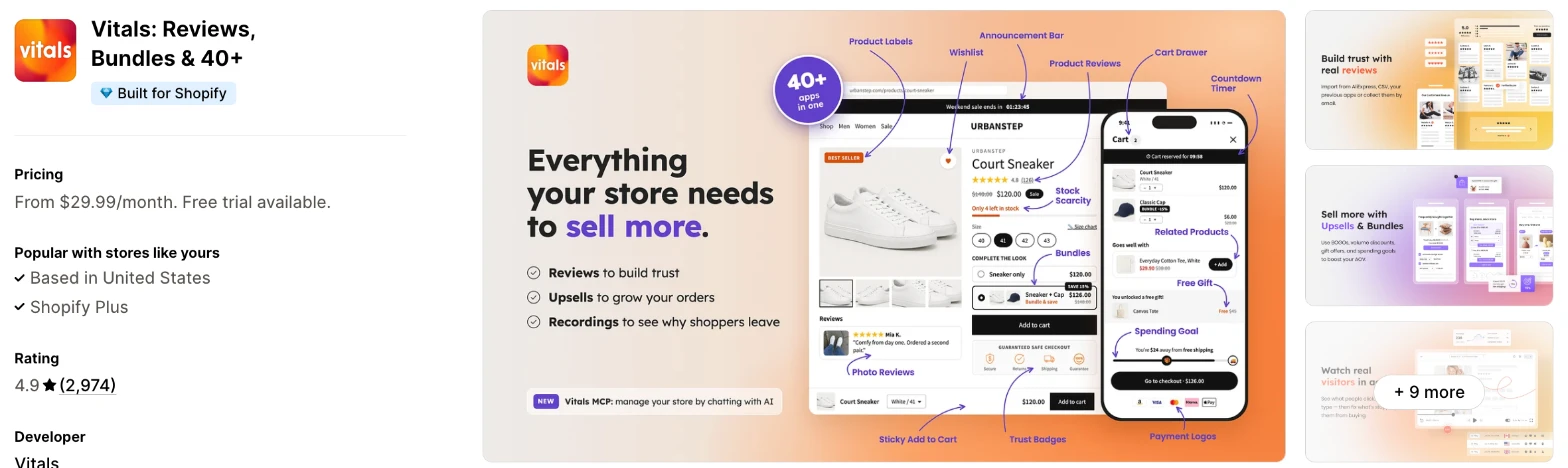
Vitals is an all-in-one Shopify app, and its Back in Stock app is one of 40+ apps in one subscription. It makes more sense when you also need reviews, bundles or email marketing and don't want a separate app for each.
Why I like this app:
The restock controls are what I noticed first. I can set a minimum stock level, cap the shoppers alerted for each restocked unit and send a reminder 1 to 5 days later to anyone who hasn't bought. The reports also show revenue for each email type and rank my most-wanted products. Setup took me about 5 minutes, the quickest of the 8. But the button only appears on product pages, and I found no way to take preorder payments or import an old waitlist.
Features:
- Notify button on sold-out variants, placed where you choose
- Signups by email
- Confirmation email that can suggest other products
- Automatic restock alert, with an optional reminder 1 to 5 days later
- Minimum stock level before alerts go out
- Cap on shoppers alerted for each restocked unit
- Button with no restock emails, for collecting interest
- Exclusions for products and collections
- Revenue and orders by email type
- A ranked list of your most-wanted sold-out products
- CSV export of subscribers
- Filled, outline and text link button styles
- Button and popup translations for each store language
- Vitals MCP, for doing everything in Vitals with Claude or ChatGPT
- 40+ apps in the same subscription
Pricing: Vitals has one plan, with all 40+ apps included:
- All in one plan: $29.99/month
- Trial: 7 days
Reviews: Vitals has 4.9 stars from 2,974 reviews on the Shopify App Store. Recent reviewers like having many apps together and praise customer support. One low-star reviewer says they couldn't reach the team and hit glitches, and Vitals replies that its live chat and email run every day.
Best for: A store that wants restock alerts in one subscription with reviews, bundles and email marketing.
See Vitals on the Shopify App Store
2. Preorder, Back In Stock - STOQ
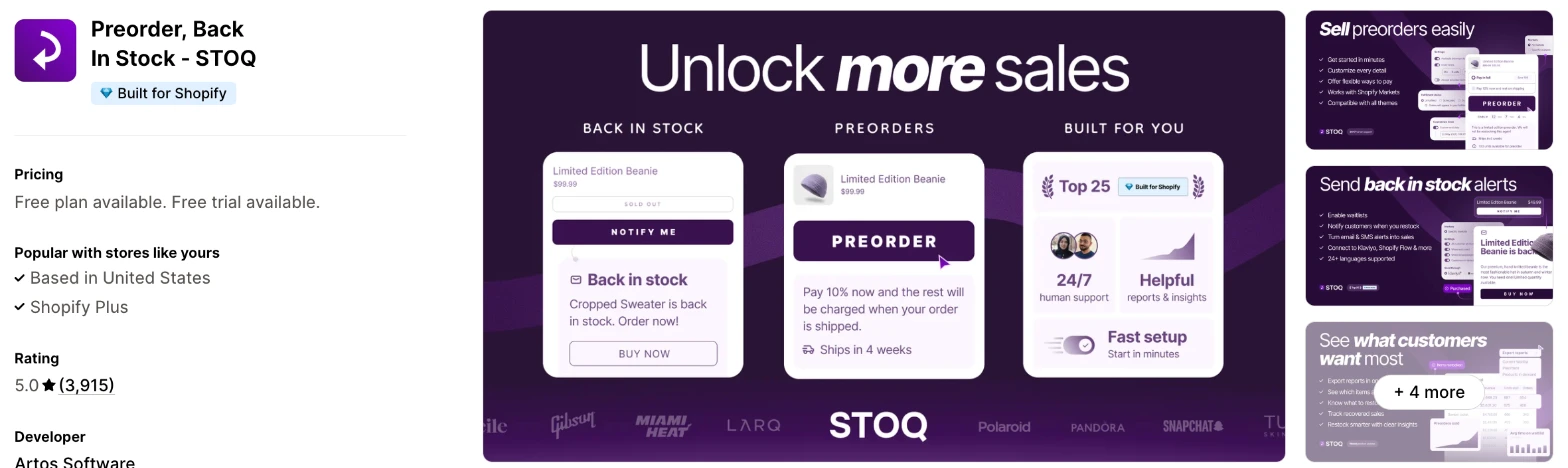
STOQ is a preorder and restock alert app with a notify button and a preorder button for sold-out products. Choose it when you want to sell some products ahead of stock and send alerts for others.
Why I like this app:
I like how far the preorder side goes, with deposits, partial payments, order limits and ship dates next to the notify button. Its $69/month plan also removes the limits on preorders and alerts. Setup took me 6 to 7 minutes, and a recent reviewer says support fixed hidden buttons on a custom theme the same evening. However, each SMS costs $0.025 on top of the plan, and one reviewer got stuck collecting preorder balances.
Features:
- Preorder and notify buttons on sold-out products
- Deposits, partial payments and split shipping
- Preorders, backorders, presales and coming soon products
- Order limits and availability dates
- Automatic restock alerts by email and SMS
- Reminder alerts
- Batch sends and manual alerts
- Customer demand, inventory and performance reports
- Klaviyo, Mailchimp and Omnisend
- Shopify Flow and Point of Sale
- B2B preorders, Shopify Markets and multiple locations
- 24 languages in the app
I didn't find any AI features in it.
Pricing: STOQ charges by preorders and alerts each month:
- Free: 10 preorders, 30 emails
- Lite: $10/month, 100 preorders, 1,000 emails or texts
- Pro: $29/month, 400 preorders, 3,000 emails or texts
- Unlimited: $69/month, unlimited preorders, emails and texts
- Trial: 14 days
Each SMS costs $0.025 on every paid plan. Extra preorders cost $0.25 on Lite and $0.10 on Pro, and branding stays until you reach Lite.
Reviews: STOQ has 5.0 stars from 3,915 reviews on the Shopify App Store. Recent reviewers call it easy to set up, and one says it saves them hundreds of dollars a year over their last app. Low-star reviewers mention trouble after the first preorder payment, buttons that came and went and a free sender address that landed in spam.
Best for: A store that takes deposits on upcoming stock and also wants a waitlist for sold-out products.
See STOQ on the Shopify App Store
3. Back In Stock, Notify Me: Kbite
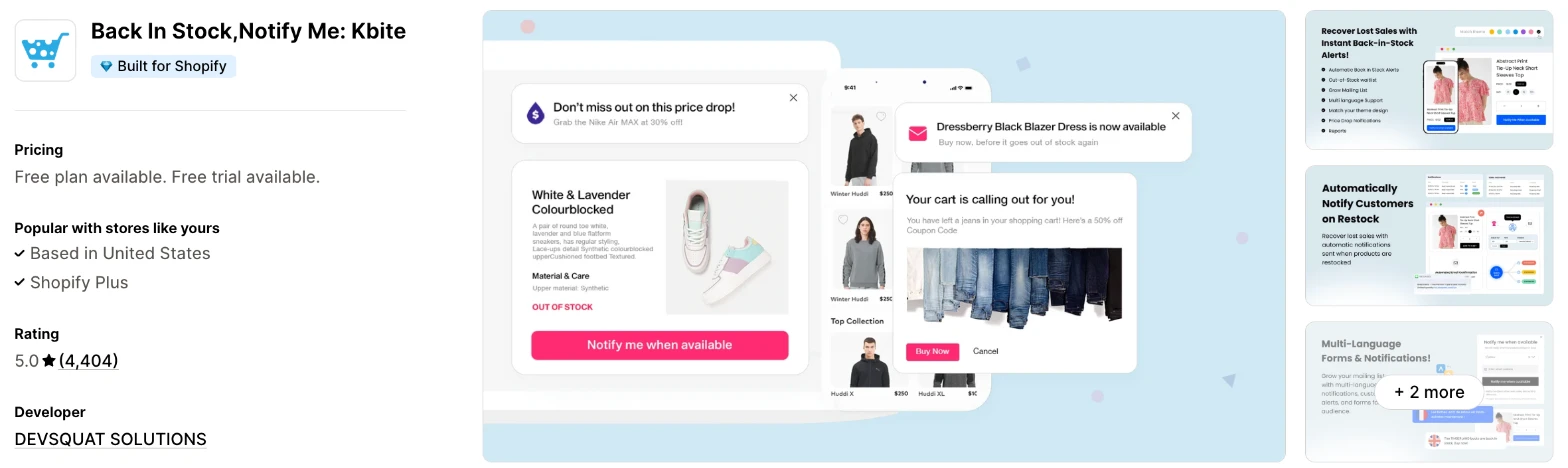
Kbite is a restock alert app that adds a Notify Me button and sends alerts by email and SMS. I'd choose it when you only need alerts and want to pay as little as possible to start.
Why I like this app:
Kbite has the lowest entry price here, with 500 emails at $5/month and 5,000 at $19/month. I also found price drop alerts in the same app, so shoppers can also sign up to hear about a lower price. My setup took 6 to 8 minutes. Merchants often praise fast support, and one coffee brand likes the waitlist data. The main drawback is scope, because I didn't find preorders or Klaviyo on its listing.
Features:
- Notify Me button on sold-out products
- Automatic restock alerts by email and SMS
- Price drop alerts
- Waitlists that show your most-wanted products
- Minimum inventory limit on every plan
- Signups synced to your Shopify customer list
- Batch delivery from Starter
- Multi-language and multi-location from Basic
- Custom integrations on Pro
- PageFly and Shogun
I didn't find any AI features in it.
Pricing: Kbite charges by emails each month:
- Free: 30 emails, unlimited subscribers
- Basic: $5/month, 500 emails
- Starter: $9/month, 2,500 emails
- Pro: $19/month, 5,000 emails
- Trial: 14 days
SMS costs extra on paid plans and starts at $0.02 in the US. Branding stays until you reach Basic.
Reviews: Kbite has 5.0 stars from 4,404 reviews on the Shopify App Store, the most of the 8. Recent reviewers praise quick setup and say it recovers sales they'd otherwise lose. Of its 4 low-star reviews, one from January 2026 says products that allow backorders turned to Sold Out, and the developer disputes that merchant's account of the support conversation.
Best for: A small store that wants restock alerts for $5/month and has no plans to take preorders.
See Kbite on the Shopify App Store
4. PreOrder Globo | Back in Stock
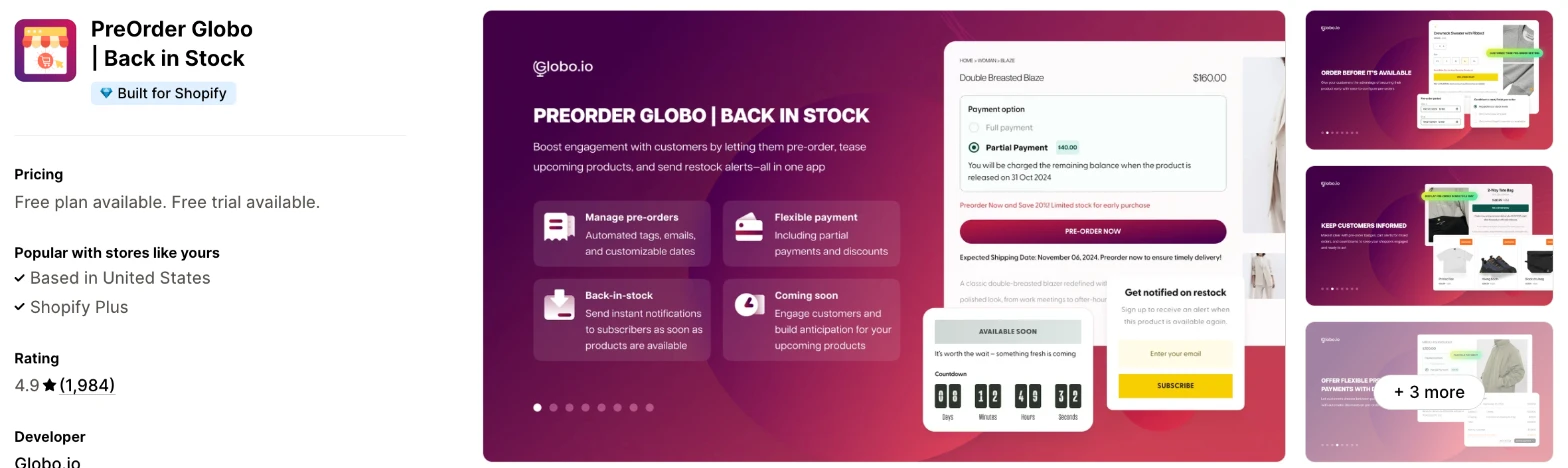
PreOrder Globo is a preorder app with a notify button and restock emails built in. It makes more sense when preorders matter more to you than alerts and you want a low flat price.
Why I like this app:
When I checked preorder costs, Globo was the lowest for unlimited presales, at $19.90/month. I also like the delivery notes under the button and the order tags, which help a team find preorders at fulfilment. It lists Klaviyo, Omnisend, HubSpot, ActiveCampaign and more for signups. Setup took me 8 to 10 minutes. But I didn't find SMS on the listing, and low-star reviews from late 2025 blame an update for overselling and missing buttons.
Features:
- Preorder button for sold-out products or any product
- Preorders by inventory level or between set dates
- Partial payments and automatic preorder discounts
- Delivery notes under the button
- Order tags and confirmation emails
- Notify button with automatic restock emails
- Batched restock alerts on paid plans
- CSV import and export on paid plans
- Shopify Markets on paid plans
- Klaviyo, Mailchimp, HubSpot, Omnisend, ActiveCampaign, Campaign Monitor and Sendinblue
- Weglot and Langify
I didn't find any AI features in it.
Pricing: Globo charges by presale orders and restock emails:
- Free: first 20 presale orders, first 100 restock emails
- Lite: $9.90/month, 100 presales and 1,000 emails a month
- PRO: $19.90/month, unlimited presales and 5,000 emails a month
- Trial: 7 days
The free allowance reads as a one-off, so ask how it resets. Yearly billing saves 17%.
Reviews: PreOrder Globo has 4.9 stars from 1,984 reviews on the Shopify App Store. Recent reviewers often name the person who helped them, and one long-term merchant praises export and import. A December 2025 reviewer says an update oversold preorders and removed the notify button in their busiest season.
Best for: A store that launches products on preorder often and wants no limit on presales for under $20/month.
See PreOrder Globo on the Shopify App Store
5. Back in Stock Alert & Preorder
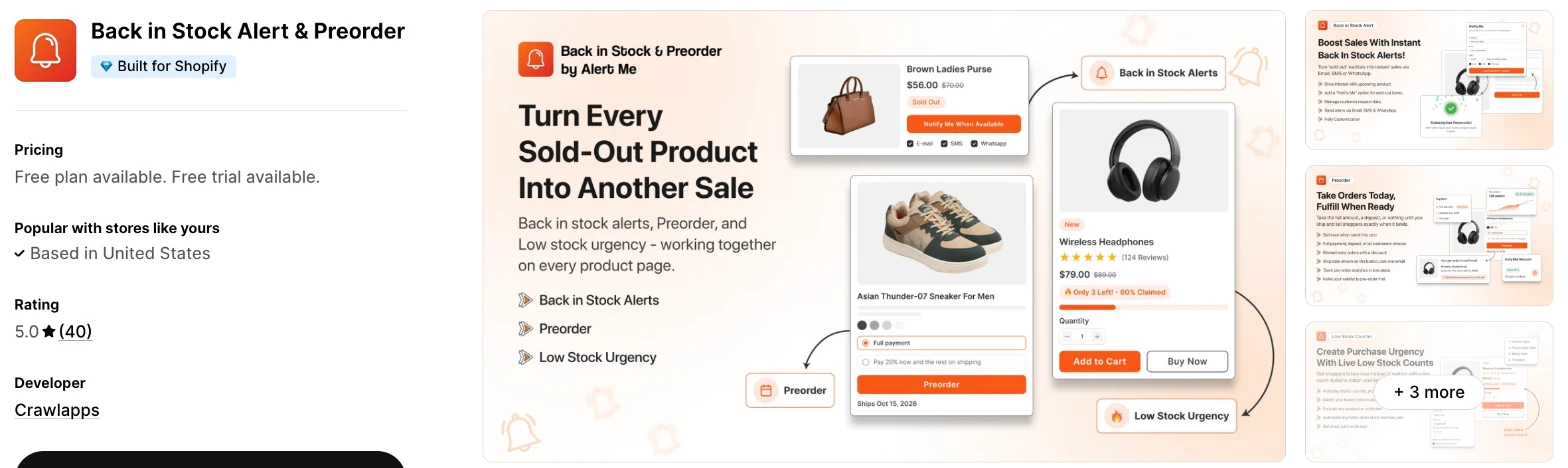
Back in Stock Alert & Preorder is a newer app that combines restock alerts, preorders and a low stock counter. Choose it when your shoppers prefer WhatsApp, because no other app here lists it.
Why I like this app:
WhatsApp is what sets this one apart, with alerts from the $9.99/month plan and WhatsApp Business templates from $19.99/month. I also found a useful free plan, with reminders, low stock messages and multi-location included. My setup took 8 to 10 minutes. Reviewers praise support, including one who got help importing their old lists. However, Crawlapps only launched it in July 2025, and 40 reviews is a short record.
Features:
- Notify button with restock alerts by email, SMS and WhatsApp
- Restock reminders on every plan
- Low stock counter that reads your Shopify stock
- Preorders with ship dates on every plan
- Deposits and partial payments from Starter
- Minimum inventory triggers
- Klaviyo from Starter
- Subscriber import and export from Standard
- Shopify Markets and customer tags from Standard
- Balance charged on fulfilment on Pro
- Demand, performance and recovered revenue reports
- GemPages, PageFly and PushOwl
I didn't find any AI features in it.
Pricing: Back in Stock Alert charges by preorders and emails each month:
- Free: 20 preorders, 100 emails, 1 offer
- Starter: $9.99/month, 50 preorders, 500 emails, 3 offers
- Standard: $19.99/month, 200 preorders, unlimited emails and offers
- Pro: $39.99/month, unlimited preorders and emails
- Trial: 5 days
SMS and WhatsApp prices depend on the country, and actions above a limit start at $0.02.
Reviews: Back in Stock Alert has 5.0 stars from 40 reviews on the Shopify App Store, all 5 stars. Recent reviewers praise fast support, custom code and help matching the button to their theme. I found no low-star reviews to weigh against that, which is a reason to test it carefully during the 5-day trial.
Best for: A store with WhatsApp shoppers that wants alerts, preorders and a stock counter from one low-cost app.
See Back in Stock Alert & Preorder on the Shopify App Store
6. CWILL Back in Stock Notify Me!
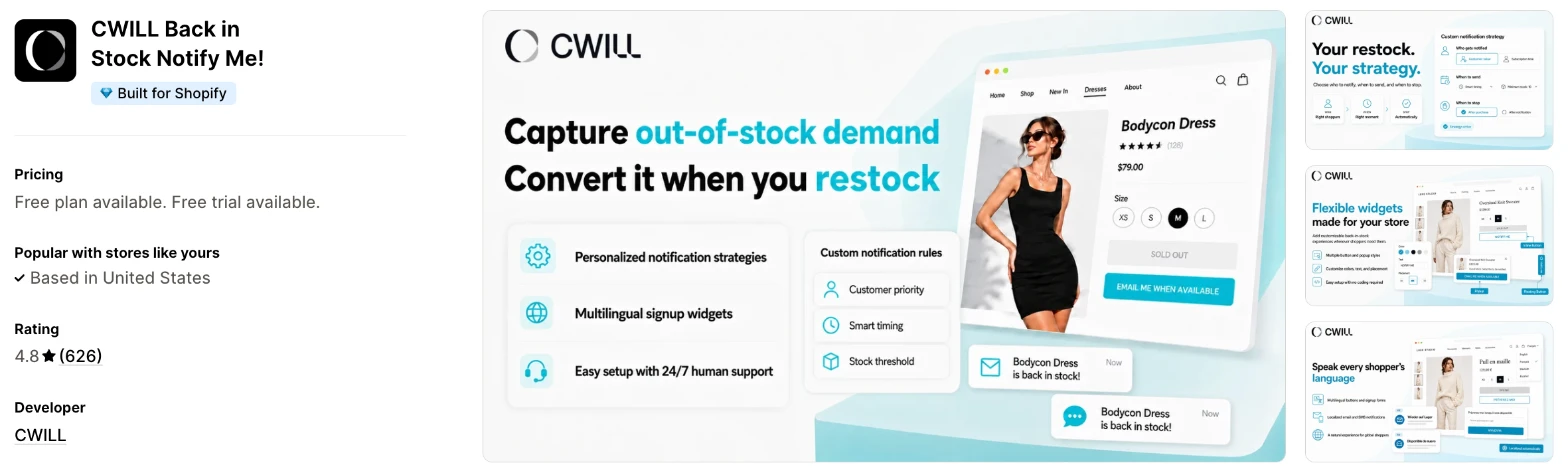
CWILL is a restock alert app for email and SMS campaigns with rules for each send. I'd choose it when you restock in small batches and want to decide who hears first.
Why I like this app:
I found the most control over each send here. I can limit how many shoppers hear about a restock, put high-value customers first and stop messages after a purchase or delivery. Its button and popup also work on collection pages. Setup took me 7 to 10 minutes. But Essential only includes 50 notifications, so most stores would need Pro at $29/month, and 2026 low-star reviewers describe duplicate or wrongly timed emails.
Features:
- Button and popup on product and collection pages
- Automatic email and SMS alerts
- Limits on how many shoppers hear about each restock
- Priority for high-value customers
- Follow-up reminders
- Messages that stop after a purchase or delivery
- Minimum stock threshold from Essential
- Custom notification rules and auto translation on Pro
- Inventory alerts for each warehouse or location
- Block editor for email templates
- Klaviyo, Mailchimp, EComposer and GemPages
I didn't find any AI features in it.
Pricing: CWILL charges by notifications each month:
- Free: 10 notifications, unlimited signups
- Essential: $9.90/month, 50 notifications
- Pro: $29/month, 3,000 notifications
- Trial: 14 days
Above the limit, Pro charges $0.12 for every 10 notifications. SMS is only on Pro and costs extra by region.
Reviews: CWILL has 4.8 stars from 626 reviews on the Shopify App Store. Recent reviewers call it simple, with a responsive team. One UK reviewer says it sent each customer the same email 11 times, and CWILL apologised. A Japanese merchant says signups created customer accounts automatically.
Best for: A store with limited restocks that wants to alert high-value customers before everyone else.
See CWILL on the Shopify App Store
7. Yanet: Back in stock alerts
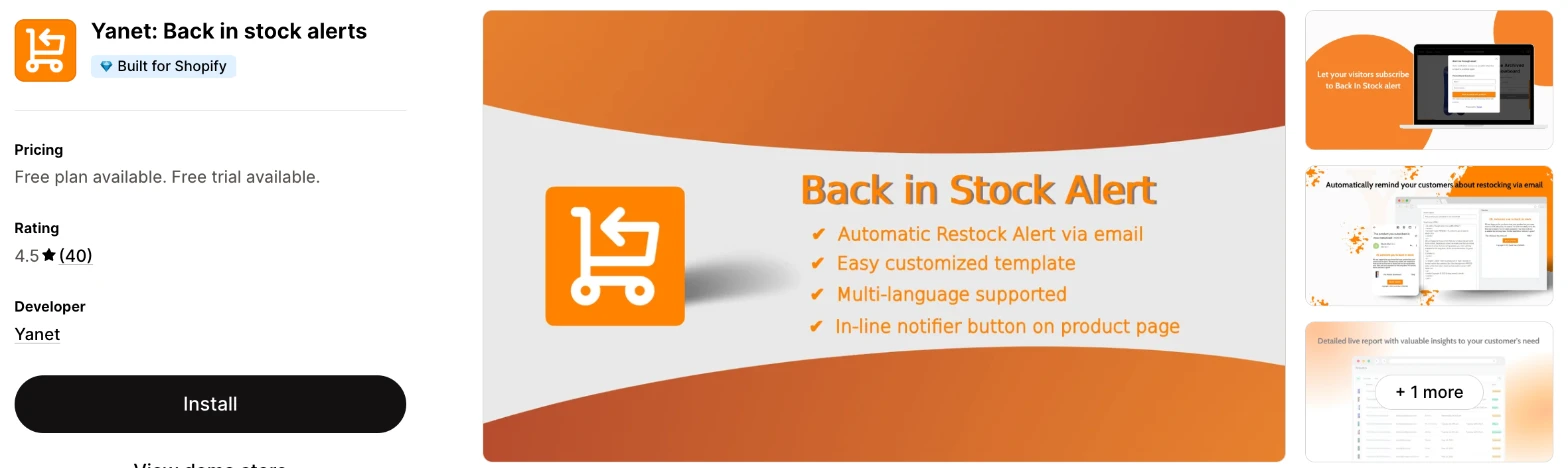
Yanet is a simple restock alert app that sends messages by email, SMS or web push. It makes more sense when you send a lot of alerts and care more about the cost than the styling.
Why I like this app:
Yanet has the lowest price I found for 6,000 messages a month, at $14.99/month, and they can go by email, push or SMS. Web push is also rare here, and the free plan includes 100 messages a month with reports. One reviewer says it works where other apps didn't, with continue selling when out of stock turned on. I needed 8 to 10 minutes for setup. However, a reviewer calls the styling limited and support email-only, and a 2026 review says support has declined.
Features:
- Automatic restock alerts by email, SMS and web push
- Low stock notifications
- Popups and waitlists
- Customer demand reports
- Customisable templates with a live preview
- Multi-language storefront and messages
- Custom email sender on paid plans
- CSV export from Basic and import from Pro
- Klaviyo and Mailchimp
I didn't find any AI features in it.
Pricing: Yanet charges by messages each month:
- Free: 100 messages, unlimited subscribers
- Basic: $6.65/month, 1,000 messages
- Pro: $9.99/month, 3,000 messages
- Advanced: $14.99/month, 6,000 messages
- Trial: 14 days
The listing counts email, push and SMS together, so ask how SMS uses that allowance. Yearly billing saves 17%.
Reviews: Yanet has 4.5 stars from 40 reviews on the Shopify App Store. Reviewers call it simple and fairly priced, and one says support built a customisation for their shop. An older review says the button only showed when all variants had sold out, and I'd test that on your own products.
Best for: A store with a large waitlist on a tight budget that's happy with a plainer button and popup.
See Yanet on the Shopify App Store
8. Swym Back in Stock Alerts
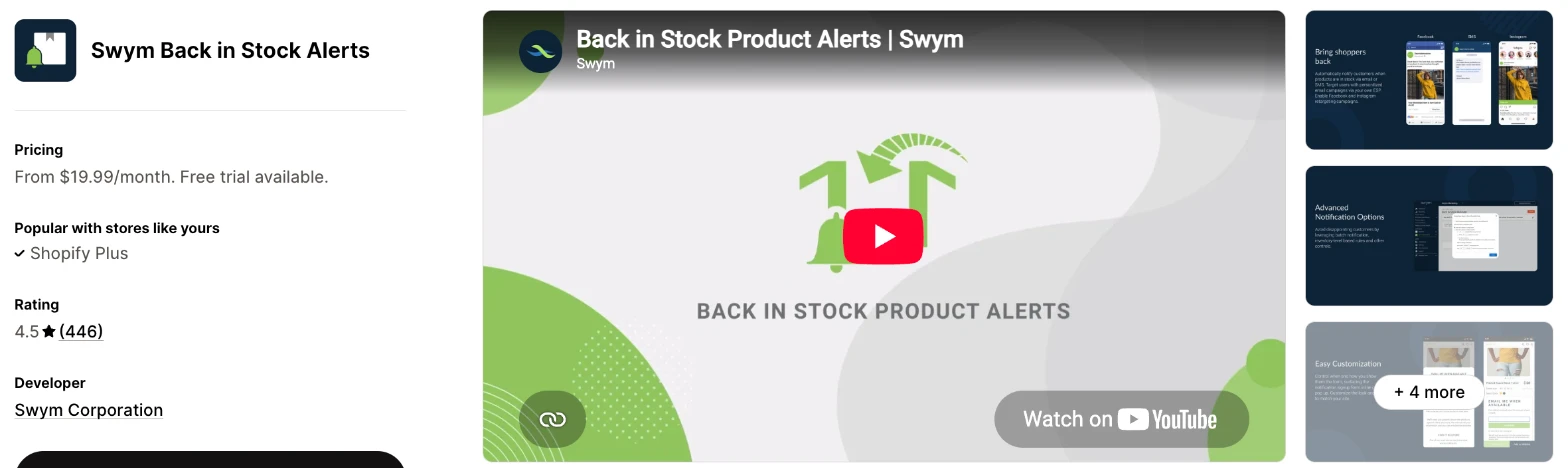
Swym is a restock alert app that can send through your existing email or SMS platform. Choose it when a larger team already runs a tool such as Bloomreach, Listrak or Postscript and wants alerts to go through it.
Why I like this app:
The integrations list is the longest I found, with Bluecore, Bloomreach, dotdigital, Klaviyo, Listrak, Ometria and Postscript among them. I also found AI recommendations for sold-out products, retargeting audiences and a 30-day trial, the longest here. It took me 8 to 10 minutes to set up. The main drawback is recent reliability, because 4 reviewers between 19 October and 2 November 2026 say the app wouldn't load or stopped working. Ask Swym about this before you start.
Features:
- Notify me button with automatic email and SMS alerts
- Reminders
- Preorder and coming soon alert lists
- AI recommendations for products in stock
- Facebook and Instagram retargeting audiences
- Email list opt-in
- Batch alerts and inventory controls from Pro
- Multi-location and REST API on Premium
- Analytics on popular products
- Bluecore, Bloomreach, dotdigital, Optimizely, Klaviyo, Omnisend, Mailchimp, Ometria, Sailthru, Listrak, Twilio and Postscript
- Shopify POS and Flow
Pricing: Swym charges by alert requests each month:
- Starter: $19.99/month, up to 1,000 requests
- Pro: $59.99/month, up to 10,000 requests
- Premium: $99.99/month, up to 25,000 requests
- Trial: 30 days
Swym has no free plan, Mailchimp starts on Pro and yearly billing saves 17%.
Reviews: Swym has 4.5 stars from 446 reviews on the Shopify App Store. Older reviewers praise patient support, but the newest reviews report an Access Forbidden screen and an app that hasn't worked for over a week. Earlier low-star reviewers say alerts didn't send, and 2 others say alerts went out for products still out of stock.
Best for: A larger brand that sends alerts through an enterprise email or SMS platform and can test reliability first.
See Swym on the Shopify App Store
How do you choose the right Shopify back in stock app?
I'd start by deciding whether you need preorders as well as alerts, then check the cost at your monthly alert volume. I've put each app's rating, starting price and how it charges in this table:
| App | Rating | Starting price | Charges by |
|---|---|---|---|
| Vitals | 4.9 from 2,974 reviews | $29.99/month | One plan |
| STOQ | 5.0 from 3,915 reviews | Free, then $10/month | Preorders and alerts |
| Kbite | 5.0 from 4,404 reviews | Free, then $5/month | Emails |
| Globo | 4.9 from 1,984 reviews | Free, then $9.90/month | Presales and emails |
| Back in Stock Alert | 5.0 from 40 reviews | Free, then $9.99/month | Preorders and emails |
| CWILL | 4.8 from 626 reviews | Free, then $9.90/month | Notifications |
| Yanet | 4.5 from 40 reviews | Free, then $6.65/month | Messages |
| Swym | 4.5 from 446 reviews | $19.99/month | Alert requests |
Features rule apps out first. Preorders with payment narrow the list to STOQ, Globo and Back in Stock Alert. WhatsApp leaves only Back in Stock Alert, and CWILL is the one listing that names a button on collection pages. Write down the channels you'll use in your first 3 months, then check the plan that includes them.
Design is the next check, because the button has to look like part of your product page. Almost every app was highly responsive, user friendly and customisable on my test store. Vitals, STOQ, Kbite and CWILL all offer customisation, and Back in Stock Alert reviewers mention support matching the button to their theme. One Yanet reviewer finds its styling limited. Preview the button on a phone, on a product with variants, before you choose.
AI can shorten this work too. Some apps have AI features, so I could ask Claude or ChatGPT and it built the result for my store.
Your other apps decide how much connecting you'll need to do. Vitals has its own Email & Push Marketing app in the same subscription, and Kbite syncs signups to your Shopify customers. STOQ, Globo, Back in Stock Alert, CWILL, Yanet and Swym list Klaviyo. Keep your restock emails in one place, or shoppers can get the same alert twice.
Cost depends on your alert volume. At 3,000 alerts a month, Yanet costs $9.99/month, Kbite $19, Globo $19.90 and Back in Stock Alert $19.99. STOQ and CWILL cost $29, and Swym costs $59.99 if each alert counts as one request. Vitals costs $29.99/month.
Support draws praise on most of these apps, especially Kbite, Globo and Back in Stock Alert, where merchants name the person who helped them. When setup problems came up, a few customer success teams fixed them within minutes, while others took hours to reply. The sharpest complaints I found are about Swym's recent outages and CWILL's duplicate emails. I'd send a test question during your trial and time the reply.
Choose Vitals if you'd use its other apps as well, and STOQ for preorders and alerts in one dedicated app. Choose Kbite for low-cost email alerts and Globo for unlimited preorders on a small budget. Back in Stock Alert suits WhatsApp, CWILL suits detailed rules, Yanet suits a tight budget and Swym suits teams on an enterprise email platform.
Do you need back in stock alerts or preorders?
You need alerts when you don't know the restock date, and preorders when you do and you're happy to take money early. You can also use both, on different products.
Alerts carry less risk, because nobody has paid and a late delivery doesn't create a refund. Preorders bring in cash sooner, but you take on the customer service. One STOQ reviewer got stuck on balance collection after the first payment, and a Globo reviewer says an update oversold their preorders.
So I'd start with alerts on your regular products and test preorders on one launch. STOQ, Globo and Back in Stock Alert all do both. Kbite, CWILL and Yanet don't list preorders, and Vitals can show its button on preorder products without taking payment. Place a test preorder with a deposit, then collect the balance, before you open it to shoppers.
Should restock alerts go by email or SMS?
Start with email, because every app here includes it, with a monthly allowance on each plan. Add SMS for products that sell out fast, where a text can reach shoppers before the stock runs out.
SMS adds a separate cost on most of these apps. STOQ charges $0.025 per text, and Kbite and Back in Stock Alert start at $0.02. CWILL bills by region on Pro. Swym lists Twilio and Postscript, so check how your own SMS plan charges for those texts.
Consent also needs checking. A shopper who asks for one restock alert hasn't always agreed to marketing, so keep those lists apart where the app has a consent option. Vitals makes marketing consent optional at signup. Check the rules for each country you text before you turn SMS on.
What counts toward a back in stock plan limit?
It depends on the app's unit, and these apps count emails, notifications, messages, alert requests or orders. Read each unit before you compare 2 prices.
Kbite and Globo count restock emails, and Back in Stock Alert counts emails until Standard makes them unlimited. CWILL counts notifications, and Yanet counts email, push and SMS messages together. Swym counts alert requests, so ask whether that means signups or messages sent. Vitals has one plan.
Waitlists can hit a limit all at once. Say 600 shoppers wait for one popular product, and Kbite's $5/month plan includes 500 emails a month, so you'd need its $9/month plan. CWILL's Essential plan, at 50 notifications, wouldn't reach them either, so you'd need Pro at $29/month.
Check your largest waitlist before you pick a plan, and check what the app does when the limit runs out in the middle of a restock.
How do you stop restock alerts going wrong?
Set a minimum stock level, cap the alerts for small restocks and test with your own email first. Most serious complaints I read are about alerts sent at the wrong time or not at all.
Merchants report 2 main problems. One CWILL reviewer says customers got the same email 11 times, and a Swym reviewer says hundreds of alerts went out for products still out of stock. Others say alerts never went out at all, including one Swym reviewer with over 5,000 signups.
Small restocks need the most care. Say you restock 5 units with 200 shoppers waiting. Without a cap, 195 of them can click through and find nothing. Vitals and CWILL can limit how many hear about each restock, and Kbite, Globo, Swym and STOQ list batches, which space out the sends.
Before a real restock, add stock to a test product you've signed up for yourself. Check that one alert arrives, that its link opens the right variant and that a reminder stops once you buy.
How do you set up your first Shopify back in stock alert?
I'd start with email alerts on your best-selling products, because that's where a waitlist builds fastest and you can check the results quickly.
Use these steps with any of the apps:
- Install the app and turn on its theme block or embed.
- Check that Shopify tracks inventory for the products you want to cover.
- Style the button and signup form to match your theme.
- Write the restock email with your own sender name.
- Set a minimum stock level for the alert.
- Add a consent line for the markets you sell in.
- Sign up on a sold-out test product from your phone.
- Restock that product, then check the alert and the link.
Setup took me about 5 minutes on Vitals, the quickest, and 6 to 10 minutes on the other 7. Merchants report mixed experiences too. Reviewers call STOQ, Kbite and Back in Stock Alert easy to set up, while one CWILL reviewer finds the settings complex, and one Globo reviewer couldn't finish setup at all.
I'd leave the alerts live through at least 2 restocks before you change the wording, so one busy day doesn't decide it for you.
What changes in unusual situations?
I found the right app can change once your waitlists grow, you run more than one location or market, you need a plan-only feature or you move from another app.
At unusually high volumes, price the unlimited plans first. Back in Stock Alert includes unlimited emails from $19.99/month, and STOQ removes all alert limits at $69/month, although texts still cost extra. Swym reaches 25,000 requests at $99.99/month, with more on request.
More than one location or market narrows the list again. Back in Stock Alert includes multi-location on its free plan, Kbite adds it on Basic and Swym keeps it for Premium at $99.99/month. CWILL can alert by warehouse. For translated emails, CWILL's Pro plan translates automatically, while Vitals sends each email in the language you wrote it in.
Some features only appear on certain plans. CWILL keeps SMS for Pro, Back in Stock Alert keeps deposits for Starter and Globo keeps partial payments for its paid plans. Swym keeps batches for Pro, at $59.99/month.
Stores that keep selling when out of stock need a separate test. Shopify's continue selling setting needs inventory tracking, and apps treat those products differently. One Yanet reviewer says it worked where others failed, and one Kbite reviewer says products that allow backorders turned to Sold Out.
Moving from another app needs a plan for your waitlist, because shoppers who signed up expect to hear from you. Globo, Yanet and Back in Stock Alert can import subscribers on paid plans, and one reviewer got help from Back in Stock Alert's team with this. Vitals exports to CSV but can't import. Export your list before you uninstall, because one Globo reviewer says they couldn't get theirs back.
What are the benefits of a Shopify back in stock app?
A back in stock app gives you a way to reach shoppers who wanted a product you couldn't sell them, and it does so automatically on the day stock returns. The app can't create demand, so it pays off most on products people already ask for.
Say a $60 jacket sells out and 100 shoppers join the waitlist. If 15 of them buy when it returns, that's $900 from one restock, before the cost of the stock and the app's monthly fee. These apps cost between $5/month and $99.99/month on the plans I reviewed, so that one restock would cover the fee on any plan here.
A waitlist also shows you what to reorder. Vitals, STOQ, Kbite, Back in Stock Alert and Swym report which sold-out products shoppers want most, so you can base your next order on signups and not on guesswork. The limit is your supplier, because a long waitlist doesn't help when you can't get more stock.
Before you install an app, list your 10 most-sold-out products and check how many of them you can restock.
What are some ideas for using a Shopify back in stock app?
I'd try a waitlist on your best-selling product first, because you'll see signups within days. These 5 ideas suit different types of store:
- Size waitlist: a clothing store shows the button on sold-out sizes while other sizes stay on sale.
- Limited drop: a sneaker store texts its waitlist first, because stock can run out within an hour.
- Demand check: a homeware store collects signups on a discontinued product to see whether a reorder pays.
- Preorder switch: a skincare store moves a popular product to preorder once it has a delivery date.
- Priority access: a jewellery store alerts its best customers before the wider waitlist on a small restock.
I'd test the size waitlist on one best-selling product first, then add the demand check once you know your signup rate.
Which Shopify back in stock app would I start with?
I'd start with Vitals, because its restock alerts come with 40+ other apps in one subscription, so you may be able to remove your separate review or bundle apps as well. Choose STOQ instead when you need preorders with deposits, or Kbite when you only want low-cost email alerts. Install your choice, put the button on one best-selling sold-out product and check your signups after 2 weeks.
What do merchants often ask about Shopify back in stock apps?
How much does a Shopify back in stock app cost?
Paid plans on these apps start between $5/month and $29.99/month, and 6 of the 8 have free plans. The top plans I could see start at $14.99/month on Yanet, and Vitals has one plan at $29.99/month. The cost changes with your emails, notifications or alert requests, depending on the app.
Does Shopify include back in stock features without an app?
No, I didn't find automatic restock alerts in Shopify's admin. Shopify's continue selling setting only controls whether a product stays on sale once stock runs out. Without an app, you'd need your own signup form and manual emails.
Are there free Shopify back in stock apps?
Yes, I found a free plan on 6 of these apps. Back in Stock Alert includes 100 emails a month, Yanet includes 100 messages, Kbite and STOQ include 30, and CWILL includes 10 notifications. Globo's covers the first 100 restock emails. Vitals and Swym have no free plan, though each has a free trial.
Do back in stock apps slow down a store?
One on its own doesn't, but the apps around it add up, and many stores already have 10-15. I could turn any Vitals app on or off without worrying about load time, because they all load from one script. Test your own store before and after you install a new app.
Do back in stock apps work with Klaviyo?
Most of them do. STOQ, Globo, Yanet and Swym list it, CWILL includes integrations from Essential and Back in Stock Alert adds it on Starter. I didn't find Klaviyo on Kbite's listing, and the Vitals Back in Stock page doesn't name it. Check which tool sends the alert, so shoppers don't receive 2.
Can you move your waitlist to a new back in stock app?
Yes, on some of them. Globo, Yanet and Back in Stock Alert list subscriber import on paid plans, and Shopify's summary of Kbite reviews mentions help with data imports. Vitals can export subscribers to CSV but can't import them. Export your list before you remove your old app.