
Best Shopify currency converter apps reviewed in 2026
Currency converter apps show shoppers abroad a price they recognise, so they can judge the cost without opening a calculator. Every app here converts prices by location, so that won't decide it. What matters more is whether the shopper pays in the currency they saw, because only some of these apps support that at checkout.
I installed 6 Shopify currency converter apps on a test store and compared their features, pricing and merchant reviews. Below, you'll find what each one does well, where it falls short and the type of store it suits best.
Which Shopify currency converter apps made my shortlist?
I selected apps with a rating of 4.5 or higher that were still available on the Shopify App Store in November 2026. These 6 currency converter apps made my shortlist:
- Vitals: all-in-one Shopify app with a currency converter and 40+ apps in one subscription
- Nova: Multi Currency Converter: a free floating currency bar with live chat support
- Currency Converter Plus: 222 currencies with exchange rates updated every minute
- Currency Converter Bear: one flat plan with checkout support through Shopify Payments
- Beast Currency Converter: a free manual switcher, with location-based selection on a paid plan
- CVC - Multi Currency Converter: currency conversion and AI translation in one app
How did I review the best Shopify currency converter apps?
I installed each app on a test store, then went through each App Store listing, every plan and the newest and lowest-rated merchant reviews.
I looked at these details for each app:
- Currency selection: how it picks a shopper's currency and whether shoppers can change it
- Checkout: which currency shoppers pay in and what the app tells them before they get there
- Exchange rates: where the rates come from and how often they update
- Price display: rounding, flags, currency codes and the original price
- AI features: what AI does in each app, such as translating your store
- Integrations: which other apps and Shopify tools it lists
- Setup: how long each app took me to get a switcher live
- Design: how much control each app gives me over the look and position of its switcher
- Speed: what one more app means for load time when a store also needs reviews, bundles and other apps
- Pricing: how each app charges, its plan limits and what each plan includes
- Reviews: what the newest and lowest-rated App Store reviews say, including about support
I ranked the list by where I'd start for a typical store, with the all-in-one app first, then the currency apps in the order I'd try them.
What did I find across these Shopify currency converter apps?
I found 5 main currency options across the apps I reviewed. The apps differ on how far each one goes, so check which you need before you compare prices:
- Conversion by location: the app picks a currency from where the shopper is. All 6 list it, but Beast keeps it for its Elite plan.
- Currency switcher: a menu where shoppers choose another currency. All 6 list one, and Nova's is a floating bar.
- Local currency checkout: the shopper pays in the currency they saw. Currency Converter Bear and CVC list it with Shopify Payments, and Vitals leaves currencies you've set up in Shopify to Shopify. Nova and Beast say shoppers pay in your store's currency.
- Cart notice: a message that tells shoppers which currency they'll pay in. Vitals and Currency Converter Bear include it, and Beast adds it on Elite.
- Price rounding: a tidier converted price, such as one ending in .99. All 6 list it.
I also found these differences beyond the main options:
- Number of currencies: Currency Converter Plus lists 222, Vitals and Currency Converter Bear list 160+ and Nova lists 130+. Beast says unlimited, and CVC gives no number.
- Exchange rates: Currency Converter Plus updates every minute and Currency Converter Bear updates multiple times a day. Vitals uses Shopify's rates where your store has them, and otherwise its own, updated once a day. Nova uses Shopify's conversion systems and API.
- Translation: CVC translates your store with AI. Currency Converter Plus works with GTranslate, Langify and Weglot, and I didn't find translation on the other listings.
- AI features: CVC has AI translation. With Vitals MCP, you can do everything in Vitals with Claude or ChatGPT, including setting up the currency selector. I didn't find AI features on the other 4.
- Reports: I didn't find conversion reports on any of the 6 listings or on the Vitals Currency Converter page.
- Setup: Vitals was the quickest at about 3 minutes, and each of the other 5 took me about 5 minutes.
- Design: almost every app was highly responsive, user friendly and customisable on my test store. Vitals has the most detailed controls I found, with separate corners for desktop and mobile, flag and code options and 4 colours. Beast's free plan includes design changes, and its Elite plan adds custom positioning.
- Speed: every new app affects page speed, and many stores have 10-15 of them. Vitals shares one script across its 40+ apps, so it didn't slow down my store, and I can turn any app on or off without worrying about load time.
What are the best Shopify currency converter apps?
Vitals is my top pick, because its currency converter comes with 40+ other apps in one subscription. Nova comes next for stores that only want local prices and don't want to pay for them. The 4 reviews after it suit stores that need faster rates, a simple flat plan, a free manual switcher or translation in the same app.
1. Vitals
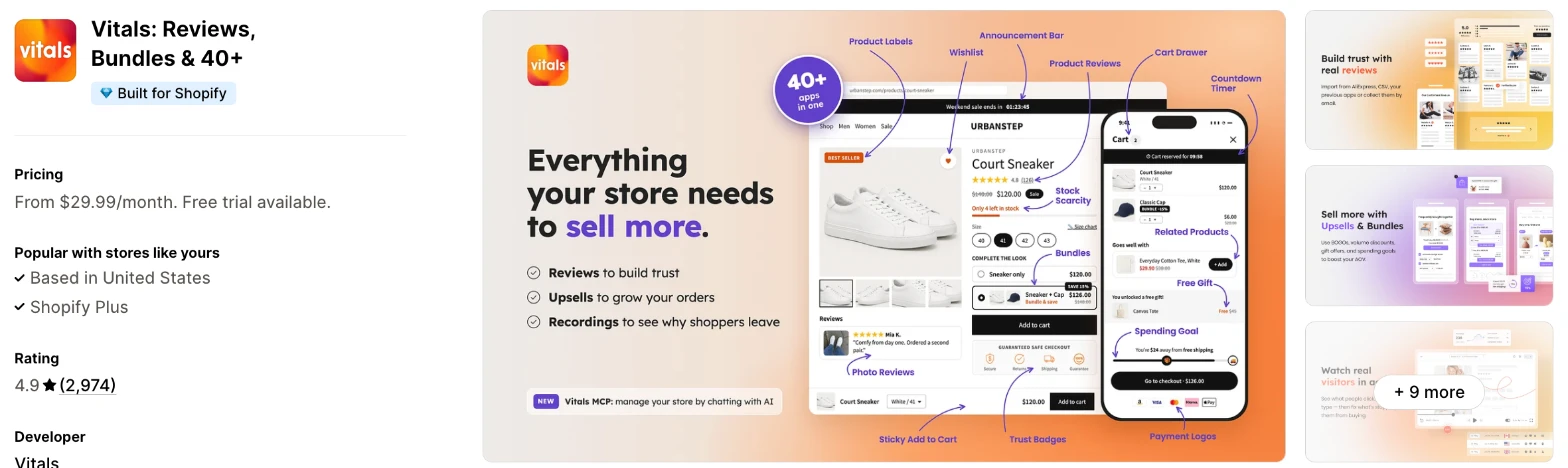
Vitals is an all-in-one Shopify app, and its Currency Converter app is one of 40+ apps in one subscription. It makes more sense when you also need reviews, bundles or upsells and don't want a separate app for each.
Why I like this app:
I like the control over each shopper's currency. A shopper's own pick beats their location and stays for their next visit, and I can limit automatic conversion to the currencies on my list. The cart notice uses my own words, and it took me about 3 minutes to get the switcher live, the quickest of the 6. It also loads from the same script as the other 40+ apps. However, it costs the most of the apps with a listed price, and I can't add a markup for one currency.
Features:
- Conversion by location across 160+ currencies
- A switcher that lists only the currencies you add
- A saved choice for each shopper's next visit
- An option to convert automatically only for the currencies on your list
- A cart notice in your own words
- The original price when a shopper hovers over a converted one
- Local currency checkout left to Shopify for currencies you've set up there
- Switcher position by corner, set separately for desktop and mobile
- Flag, currency code or both
- Background, active, border and text colours
- Rounding to a format such as .99
- Payment Logos, Shipping Info and Live Chat in the same subscription
- 40+ apps in the same subscription
Pricing: Vitals has one plan, with all 40+ apps included:
- All in one plan: $29.99/month
- Trial: 7 days
Reviews: Vitals has 4.9 stars from 2,974 reviews on the Shopify App Store. Recent reviewers praise its upsell tools and customer support, and one has collected product reviews with it for years. I didn't find a recent review about the currency converter itself.
Best for: A store that sells abroad and wants local prices, shipping information and payment logos under one subscription, along with reviews and bundles.
See Vitals on the Shopify App Store
2. Nova: Multi Currency Converter
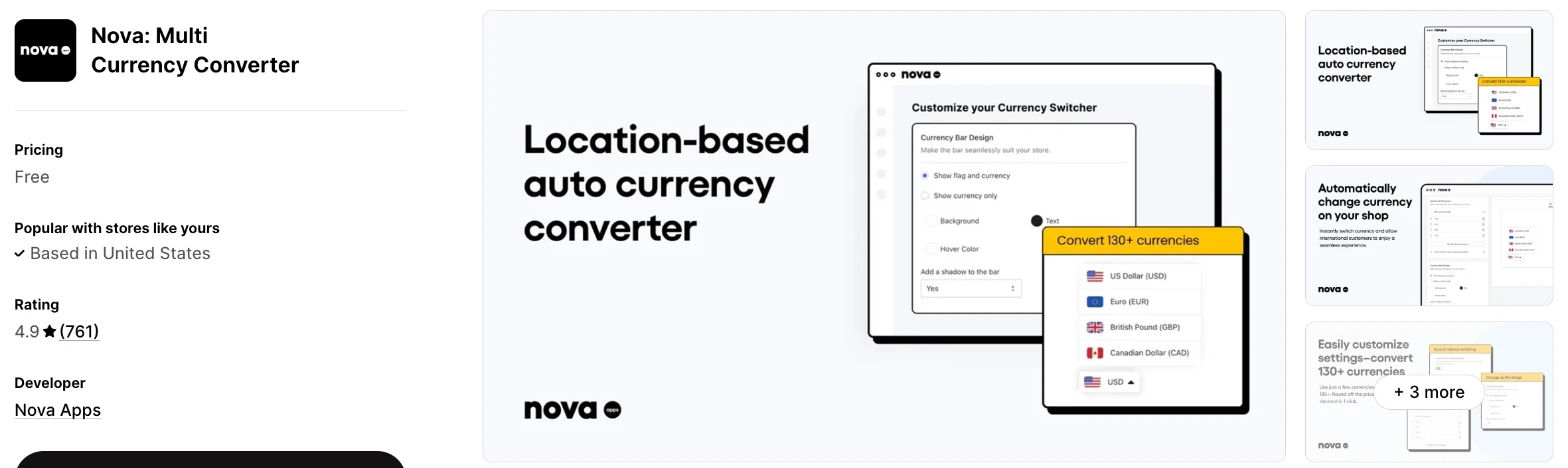
Nova is a free currency app that adds a floating bar and converts prices by location. Choose it when you want local prices on your store and you're happy for shoppers to pay in your store's currency.
Why I like this app:
The price is what I noticed first, because the listing shows the whole app as free, with no plan table. I found location-based conversion, 130+ currencies and colour controls for the bar, and setup took me about 5 minutes. Reviewers often name the live chat agent who helped them, although many wrote after about an hour with the app. That tells me more about its support than its long-term reliability. The main drawback is checkout, where shoppers still pay in my store's currency.
Features:
- Automatic or manual conversion by location
- 130+ currencies, with all of them available in one click
- A floating currency bar
- Design and colour controls for the bar
- Price rounding by the decimal
- Exchange rates from Shopify's conversion systems and API
- 24/7 live chat with a person
I didn't find any AI features in it.
Pricing: Nova doesn't charge for the app:
- Free: every feature on the listing
The listing has no paid plan, and one recent reviewer says there are no hidden tiers.
Reviews: Nova has 4.9 stars from 761 reviews on the Shopify App Store, and a Greek store says it converts immediately and that support solved its issue in minutes. Low-star reviewers call it buggy, and one says the bar worked in preview but wouldn't show on their live site. Another says the team asked them to review the support they'd just received, and they didn't like it.
Best for: A new store that wants to test international interest at no cost.
See Nova on the Shopify App Store
3. Currency Converter Plus
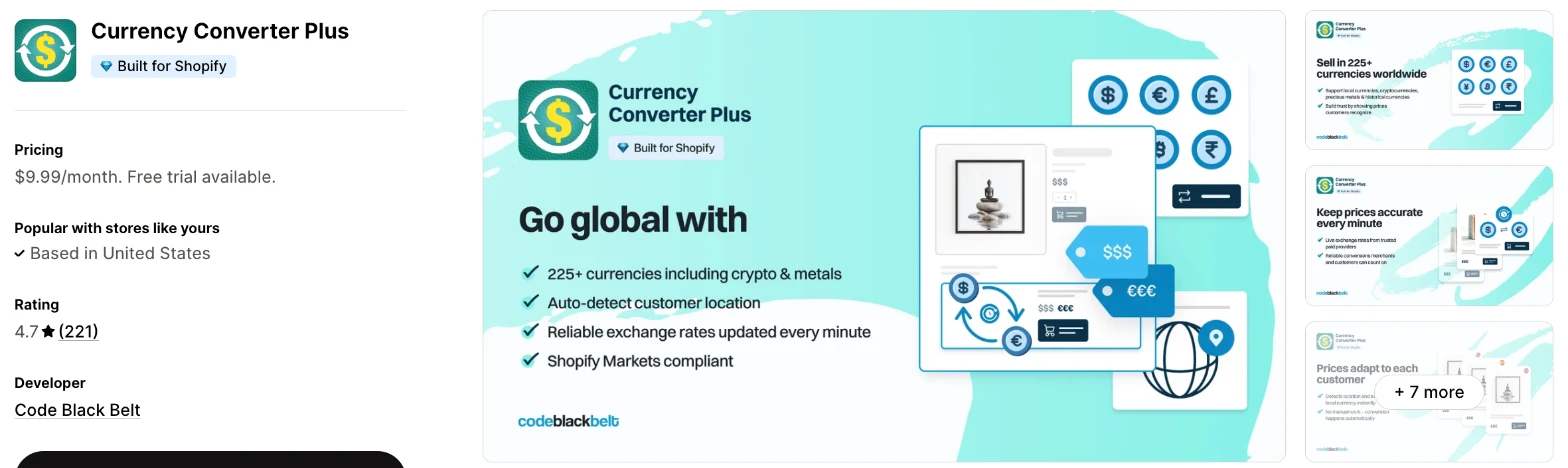
Currency Converter Plus is a dedicated currency app that detects each shopper's country and converts every price on your store. I'd choose it when up-to-date rates and a wide currency list matter more than a free plan.
Why I like this app:
When I checked the exchange rates, this app went furthest, with updates every minute and 222 currencies, including cryptocurrencies and precious metals. It also works with GTranslate, Langify and Weglot, which helps me if I already translate my store. I had it working in about 5 minutes, and reviewers like the control over colours, flags and placement. However, it has no free plan. Two long-term users also left critical reviews in 2026, one about the support chat bot and one saying the app needs optimising.
Features:
- Automatic currency detection from IP geolocation
- 222 currencies, including cryptocurrencies and precious metals
- Exchange rates updated every minute
- Settings for styles, rounding and the menu button
- Compatibility with the most used Shopify Markets setups
- Also Bought, Frequently Bought Together, GTranslate, Langify, Sufio and Weglot
- An admin in 10 languages
I didn't find any AI features in it.
Pricing: Currency Converter Plus charges a flat fee:
- Professional: $9.99/month, or $99.90/year
- Trial: 14 days
Reviews: Currency Converter Plus has 4.7 stars from 221 reviews on the Shopify App Store. Recent reviewers call it quick to apply and easy to customise, and a Canadian store praises its support. Low-star reviewers mention an unhelpful chat bot, and one says the app needs optimising, while most other low ratings have little or no text.
Best for: A store that sells at thin margins across many currencies and wants its displayed prices to follow the market closely.
See Currency Converter Plus on the Shopify App Store
4. Currency Converter Bear
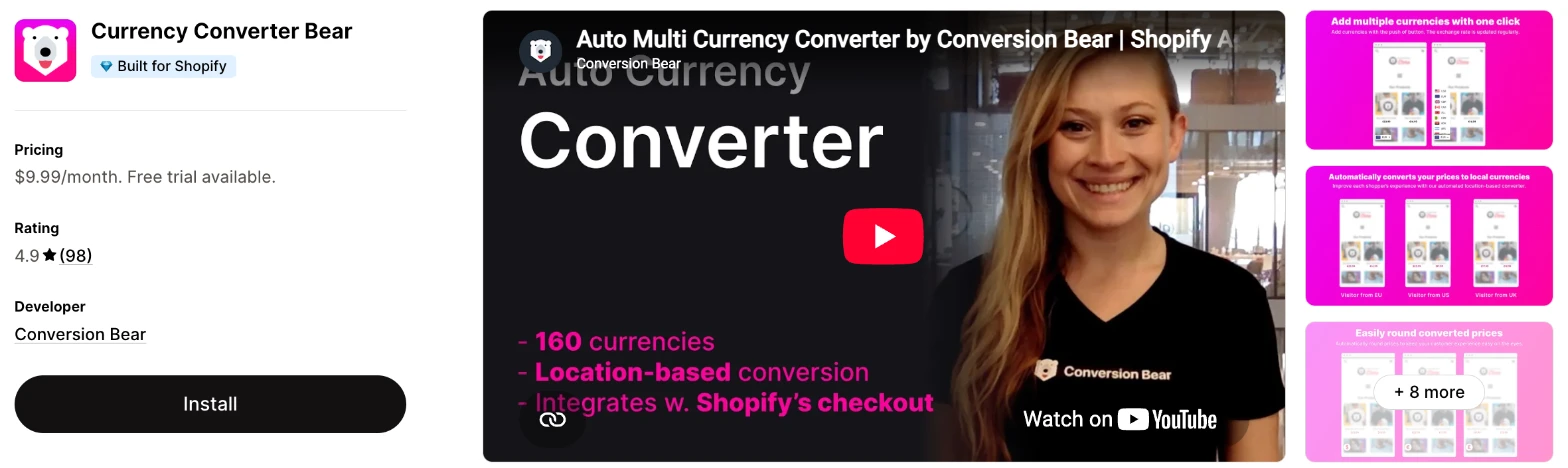
Currency Converter Bear is a location-based currency switcher with one plan that includes every feature. It makes more sense when you want checkout support through Shopify Payments and don't want to compare plans.
Why I like this app:
I found the plan easy to read, because one $9.99/month plan includes conversion by location, 160+ currencies, hidden mode, smart pricing and a cart notification. It also lists checkout support with Shopify Payments and integrates with Shopify Markets. Setup took me about 5 minutes, and one reviewer had it working within a couple of minutes. Support draws the most praise, including a code fix in minutes. However, the newest review I found is from October 2025, so I had less recent evidence to go on.
Features:
- Conversion by location
- 160+ currencies, with as few or as many as you choose
- Checkout support with Shopify Payments
- Shopify Markets integration
- Exchange rates updated multiple times a day
- Rounding or fixed decimals
- A cart notification
- Hidden mode and smart pricing
- Design controls for the switcher
- Bundles Bear, Honeycomb Upsell and Ultimate Sticky ATC
I didn't find any AI features in it.
Pricing: Currency Converter Bear charges a flat fee:
- UNLIMITED: $9.99/month
- Trial: 14 days
Reviews: Currency Converter Bear has 4.9 stars from 98 reviews on the Shopify App Store, the fewest of the 6. Reviewers focus on fast support, and one recommends it for stores that can't use Markets. The 2 low-star reviews date from 2020 and complain about slow loading and downtime, while Conversion Bear says the app loads after the page.
Best for: A store on Shopify Payments that wants local currency checkout support and a cart notification for one flat price.
See Currency Converter Bear on the Shopify App Store
5. Beast Currency Converter
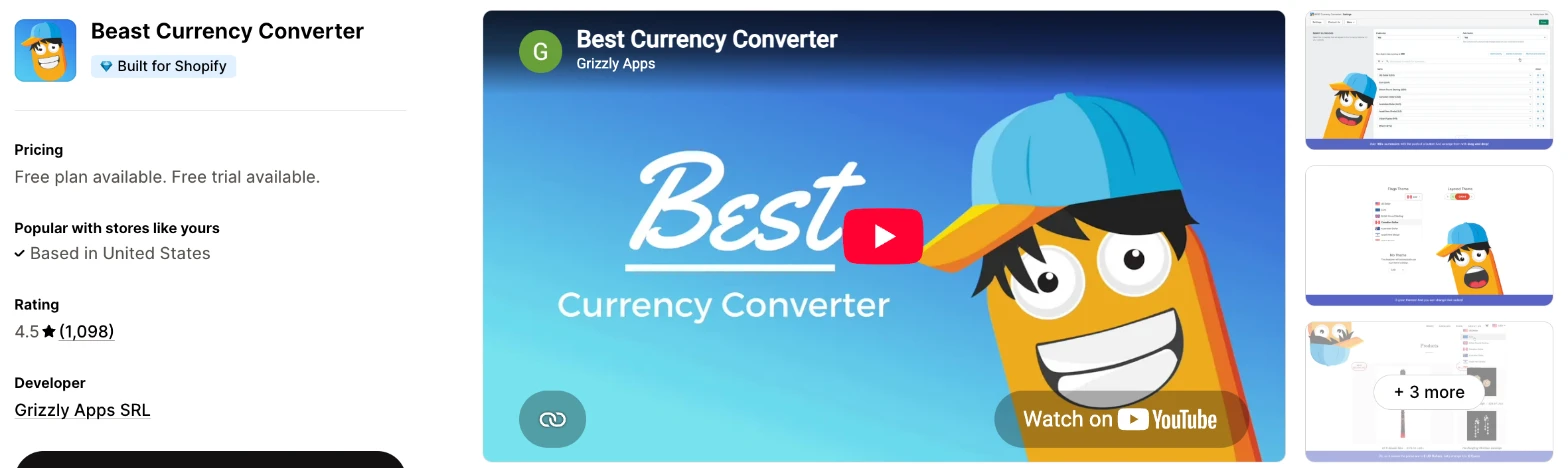
Beast Currency Converter is a currency switcher that places itself in your theme's header. Choose it when a free manual switcher is enough for now and you may want location-based selection later.
Why I like this app:
Beast's free plan includes unlimited currencies, flags and design changes, and the converter goes into my theme's header automatically. I had it running in about 5 minutes. Its 30-day trial on Elite is the longest I found, and that plan adds location-based selection and a checkout notification. Long-term merchants praise fast support in recent reviews. But it has the joint lowest rating here, and one merchant reports a $70 product showing as 5,744 euros, so I'd check converted prices closely.
Features:
- Unlimited currencies on every plan
- A switcher placed in your theme's header automatically
- Flags and layered themes
- Location-based selection on Elite
- Custom positioning on Elite
- Control over how prices display on Elite
- A checkout currency notification on Elite
- Third-party app support on Elite
- The original price when a shopper hovers over a converted one
I didn't find any AI features in it.
Pricing: Beast Currency Converter charges a flat fee for Elite:
- Free: unlimited currencies, design changes and flags
- Elite: $9.95/month, or $95.52/year
- Trial: 30 days
Reviews: Beast Currency Converter has 4.5 stars from 1,098 reviews on the Shopify App Store, the most of the 6. Recent reviewers praise patient, quick support, and one would like more control over the selector's typography. Low-star reviewers report errors for customers and wrong euro prices, and Grizzly Apps says it fixed the wrong prices when that merchant first reported them.
Best for: A small store that wants a free switcher, with shoppers choosing their own currency.
See Beast Currency Converter on the Shopify App Store
6. CVC - Multi Currency Converter
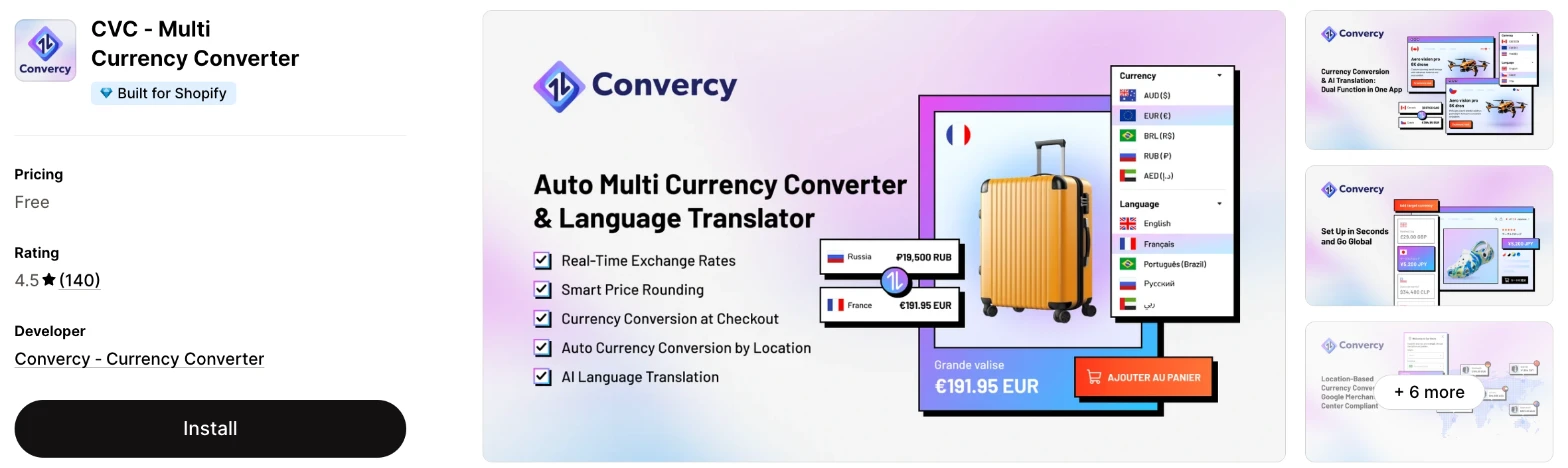
CVC is a currency converter that also translates your store with AI. I'd choose it when you're entering a market that needs a new language as well as a new currency.
Why I like this app:
CVC is the only app here that translates my store as well as converting prices, with a glossary for key terms. It also lists checkout conversion with Shopify Payments, and it converts shipping fees and discounts. The switcher took me about 5 minutes to get live. The main drawback is pricing, because the listing says Free with no plan table, while the developer tells one reviewer that more languages and currencies need another plan. Low-star reviewers also complain about slow support, and I'd check the limits in the app first.
Features:
- Conversion of prices, shipping fees and discounts
- AI translation of your store
- A glossary for key terms
- Language and currency switching by IP location
- Checkout conversion with Shopify Payments
- Price rounding
- Shopify Markets integration
- Shopify Flow, GemPages, Judge.me and PageFly
Pricing: CVC shows only a free price on its listing:
- Free: basic usage
- Paid plan: price not on the listing
The developer says more languages and currencies need another plan, and one reviewer says the free plan stops at 1 language and 1 currency. I didn't find a free trial on the listing.
Reviews: CVC has 4.5 stars from 140 reviews on the Shopify App Store. A store in Ghana says its customers can now buy in their local currencies, but many recent reviews are one word or no text. Low-star reviewers say USD disappeared from their list and that the switcher follows the page on scroll, and others say support didn't reply.
Best for: A store entering one new country that needs translation and local prices from a single app.
See CVC on the Shopify App Store
How do you choose the right Shopify currency converter app?
I'd start with which currency your shoppers need to pay in, then check what that costs. I've put each app's rating, starting price and how it charges in this table:
| App | Rating | Starting price | Charges by |
|---|---|---|---|
| Vitals | 4.9 from 2,974 reviews | $29.99/month | One plan |
| Nova | 4.9 from 761 reviews | Free | No charge |
| Currency Converter Plus | 4.7 from 221 reviews | $9.99/month | Flat fee |
| Currency Converter Bear | 4.9 from 98 reviews | $9.99/month | Flat fee |
| Beast Currency Converter | 4.5 from 1,098 reviews | Free, then $9.95/month | Flat fee |
| CVC | 4.5 from 140 reviews | Free, paid price not listed | Not on the listing |
Features rule apps out first. Location-based conversion and a switcher appear on all 6, but Beast charges for location. Currency Converter Bear and CVC list checkout support, and CVC is the only one with translation. Write down the countries you sell to and the currencies they use, then check that the plan you can afford includes them.
Design is the next check, because a switcher on the wrong side of your theme can cover a button. Vitals sets corners separately for desktop and mobile, and Beast keeps custom positioning for Elite. One CVC reviewer couldn't move its switcher. Preview yours on a phone, and remember that Vitals' mobile switcher starts switched off.
Your other apps and your theme decide how much fixing you'll need. Vitals asks you to turn off your theme's own currency or country picker, and a Nova reviewer found that another app caused their problem. Currency Converter Plus lists GTranslate, Langify, Weglot and Sufio. Test your cart, your product pages and your upsell widgets in a second currency.
I found cost depends mainly on what else you'd use. Nova is free, and the flat plans cost about $10/month, so they're the cheapest route if currency is your only need. Vitals costs more, but it can replace your other apps at the same time. On a free plan, check what's missing, such as location-based selection on Beast.
Support draws strong praise on Nova, Currency Converter Bear and Beast, where merchants often describe fast fixes for theme conflicts. The sharpest support complaints I found are on CVC, and one recent Currency Converter Plus review criticises its chat bot. When setup problems came up on my test store, a few apps' customer success teams fixed them within minutes, while others took hours to reply. I'd send a test question during your trial and time the reply.
Choose Vitals if you'd use its other apps as well, and Nova for a free location-based switcher. Choose Currency Converter Plus for the fastest rates. Currency Converter Bear suits a simple flat plan on Shopify Payments, Beast suits a free manual switcher and CVC suits translation in the same app.
What currency do shoppers pay in at checkout?
It depends on your payment setup and the app, and many shoppers pay in your store's currency. A converter can change the prices on your pages without changing what the checkout charges.
Nova's listing says it still uses your shop currency at checkout, and one low-star reviewer installed it expecting otherwise. Beast says Shopify doesn't allow developers to convert prices on the checkout page, so it offers a cart message and a hover that shows the original price. Vitals keeps your store's currency too, unless you've set that currency up in Shopify.
For a real local currency checkout, Shopify's help page on multi-currency says you need Shopify Payments and its international sales tools. That's why Currency Converter Bear and CVC name Shopify Payments next to their checkout features. Currency Converter Plus lists compatibility with Shopify Markets, but I didn't find a checkout claim on its listing.
Place a test order in a second currency before you launch. Check the currency on the checkout page and on your confirmation email.
Do you need a currency converter app if you already use Shopify Markets?
Not always, because Markets can show prices and take payment in local currencies when you use Shopify Payments. An app makes more sense when you can't use Shopify Payments, or when you want a switcher with more display options.
Shopify's international pricing page says shoppers can view prices, pay and receive refunds in their local currency, and that you'll need a country selector. The same page says stores without Shopify Payments and one-page checkout won't get the whole feature.
Stores in that position get the most from these apps. One Currency Converter Bear reviewer recommends it for stores that can't use Markets, and Nova's merchants say it works without Shopify Payments. These apps also add options such as rounding, flags and hover prices.
Check how the two work together before you combine them. Vitals leaves currencies you've set up in Shopify to Shopify, and it also leaves price adjustments per country to Markets. Turn on one currency in Markets, then check that the app shows the same price.
How accurate are the exchange rates in these apps?
They follow the market closely, but the price a shopper sees can still differ from the amount on their card statement. The gap comes mainly from update speed, rounding and the shopper's bank.
Update speed varies across the apps. Currency Converter Plus updates every minute, and Currency Converter Bear updates multiple times a day. Vitals uses Shopify's rates where your store has them, otherwise its own once a day. Nova uses Shopify's conversion systems. Beast and CVC carry a real-time rates tag on their listings, so ask them how often that is.
Rounding can matter more than the rate. Say your $49 product converts to €45.17 and your rounding shows €45.99. A shopper who pays in dollars still pays $49, so their bank's conversion decides the final amount, and it may not match the €45.99.
A cart notice is the simple fix, because it tells shoppers which currency they'll pay in before they reach checkout. Run a test order on a card in another currency and compare the 3 numbers: the page, the checkout and the statement.
Why do converted prices sometimes show incorrectly?
The usual causes are a theme setting, a clash with another picker or a bug in the app. So test every currency you add, rather than one or two.
Vitals says prices usually fail to convert when your Shopify money format lacks the tag the app reads, and its setup section gives you the text to paste. It also says a theme's own currency picker can clash with its switcher. Merchants report similar problems elsewhere. A Nova reviewer couldn't get the Hungarian forint to show, and a CVC reviewer says USD disappeared from their list.
Some errors are more serious. One Beast merchant reports a $70 product appearing as 5,744 euros, and Grizzly Apps says it fixed the problem and contacted the merchant again. A shopper who sees that price will likely leave, and you may never hear about it.
Check your best-selling product in each currency each month, and again after you change your theme.
How do you set up your first Shopify currency converter?
I'd start with conversion by location on your 2 or 3 biggest overseas markets, because a short list is easy to test.
Use these steps with any of the apps:
- Check your Shopify analytics for the countries that send you the most traffic.
- Install the app and add the currencies for those countries.
- Turn off your theme's own currency or country picker if the app asks you to.
- Set your rounding, then check a low-priced and a high-priced product.
- Add a cart notice if shoppers will pay in your store's currency.
- Place the switcher where it doesn't cover a button, and preview it on your phone.
- Test the location detection with a VPN or by asking a contact abroad.
- Place a test order and check the currency at checkout.
Setup took me about 3 minutes on Vitals and about 5 minutes on each of the other 5.
Merchants report mixed experiences. One Currency Converter Bear reviewer was running in a couple of minutes, while another hit technical issues that support fixed quickly. Nova's reviewers often needed live chat to finish setup, and one says the tutorial video shows HTML that the new app doesn't offer.
I'd leave it live for 4 weeks before you judge it, so you can compare orders from those countries across more than one busy week.
What changes in unusual situations?
I found the right app can change once your orders rise, you sell in more than one market, you need a plan-only feature or you move from another app.
At unusually high or seasonal order volumes, the flat plans hold their price. I didn't find an order limit on Nova, Currency Converter Plus, Currency Converter Bear or Beast, and Bear calls its plan UNLIMITED. Vitals has one plan, at $29.99/month, so the case for Vitals depends on how many other apps it replaces.
With more than one market, the question is usually language as well as currency. CVC translates in the same app, and Currency Converter Plus works with GTranslate, Langify and Weglot. For a price adjustment in one country, Vitals sends you to Shopify Markets, because it converts at the exchange rate only. Check your fixed prices too, because Shopify's exchange rate page says they take precedence over manual rates.
Some features only appear on certain plans. Beast keeps location-based selection and custom positioning for Elite. CVC's developer says more languages and currencies need another plan.
Moving from another app usually means rebuilding a short list of settings, because these apps hold little data. Bold Multi-Currency and BUCKS Currency Converter both show as not currently available on the App Store, so contact those developers when you leave them. One Nova reviewer found a currency code in their theme code after uninstalling, so duplicate your theme before you remove an old app.
What are the benefits of a Shopify currency converter app?
A currency converter removes a sum that shoppers abroad would otherwise do themselves, and you can win more orders from the traffic you already have. The effect depends on how much overseas traffic you have.
Say 3,000 shoppers from other countries visit each month and 1% buy a $60 product. That's 30 orders. If local prices lift that to 1.2%, you can make 6 more sales, or $360, for an app that costs between nothing and $29.99/month at the entry level. That's an example of the sums, and your own numbers will differ.
A converter also cuts a common pre-sale question, because Beast's merchants say they get fewer questions about local prices. The limit is the checkout, because a shopper who sees euros and then pays in dollars can feel misled unless you tell them first.
Before you install an app, check your analytics for how many of your visitors come from outside your home country.
What are some ideas for using a Shopify currency converter app?
I'd try a short currency list first, because you can test each currency properly. These 5 ideas suit different types of store:
- Short currency list: a homeware store that ships to 5 countries offers only those 5 currencies.
- Cart notice: a clothing store that takes payment in dollars tells European shoppers so before checkout.
- Rounded prices: a jewellery store rounds converted prices to .99 so that they match its home pricing.
- Currency and language together: a skincare store entering France pairs euros with a French translation.
- Hover price: a gift shop shows its store price on hover, so shoppers can see what they'll pay.
I'd test the short list on your biggest overseas market first, then add the cart notice if shoppers pay in your store's currency.
Which Shopify currency converter app would I start with?
I'd start with Vitals, because its currency converter comes with 40+ other apps in one subscription, so you may be able to remove your separate review or bundle apps as well. Choose Nova instead when you only want local prices and would like to pay nothing, or Currency Converter Plus when you want rates that update every minute. Install your choice, add your 2 or 3 biggest markets and place a test order in each currency.
What do merchants often ask about Shopify currency converter apps?
How much does a Shopify currency converter app cost?
Paid plans on these apps start between $9.95/month and $29.99/month, and Nova is free. Beast and CVC also list free options, although CVC's paid price isn't on its listing. Vitals has one plan, at $29.99/month.
Does Shopify include currency features without an app?
Yes, if you use Shopify Payments. Shopify's help page on multi-currency says Shopify Payments and its international sales tools can show prices in each shopper's currency. You'd still need a country selector, and stores on other payment providers need another route.
Are there free Shopify currency converter apps?
Yes, I found 3 here. Nova is free with no paid plan on its listing, and Beast's free plan has unlimited currencies but no location-based selection. CVC's free plan is for basic usage, and one reviewer says it stops at 1 language and 1 currency.
Do currency converter apps slow down a store?
One currency app doesn't hurt your page speed on its own. The load builds as you add the reviews, bundles, discounts, gifts and visitor recordings a store also needs. Vitals surprised me here, because it loads everything from a single app, so I didn't need to worry about load speed.
Two 2020 Currency Converter Bear reviewers blamed it for slow loading, and the developer says it loads after the page. Test any app on your own store before and after you install it.
Do shoppers pay in the currency they see?
Only on some of these apps. Shoppers pay in your store's currency on Nova and Beast, and on Vitals unless you've set that currency up in Shopify. Currency Converter Bear and CVC list local currency checkout with Shopify Payments. Add a cart notice when the two currencies differ.
How many currencies should you offer?
Start with the currencies of the countries that already send you traffic, usually 2 or 3. Currency Converter Plus lists 222, but a long list gives you more prices to check. Vitals can convert automatically only for the currencies on your list, so a shopper elsewhere keeps seeing your store's currency.