
Best Shopify Instagram feed apps reviewed in 2026
Instagram feed apps put the posts you already make in front of shoppers on your store, with a product tag on each one. All 7 apps here can tag products on a post, but only 2 do it for free. They also differ on Reels, customer posts and how often the feed updates.
I installed 7 Shopify Instagram feed apps on a test store and compared their features, pricing and merchant reviews. Below, you'll find what each one does well, where it falls short and the type of store it suits best.
Which Shopify Instagram feed apps made my shortlist?
I selected apps with a rating of 4.8 or higher and a new merchant review within the last 12 months. These 7 Instagram feed apps made my shortlist:
- Square: Instagram Feed Gallery: a free shoppable gallery with no paid plans
- Vitals: all-in-one Shopify app with a shoppable feed and 40+ apps in one subscription
- Instafeed - Instagram Feed: add to cart buttons from $8/month and a strong free plan
- GSC Instagram Feed, Instafeed: product tags and sales attribution on a free plan
- Socialwidget - Instagram Feed: Instagram and TikTok feeds, with hashtags on its top plan
- RPTR Instagram Feed Connect: low monthly prices and hands-on styling help
- Covet Instagram Feed & Reviews: customer photo reviews alongside your Instagram gallery
How did I review the best Shopify Instagram feed apps?
I installed each app on a test store, then went through each App Store listing, every plan and the newest and lowest-rated merchant reviews.
I looked at these details for each app:
- Content: which posts it can show, such as photos, Reels, hashtags and tagged customer posts
- Shopping: how product tags work and what happens when a shopper taps one
- Layouts: which gallery formats it offers and whether phones can have their own layout
- Sync: how often new posts reach your store and whether you can hide or approve them
- Reports: what it tells you about views, clicks and sales
- AI features: what AI does in each app
- Integrations: which other tools it lists
- Setup: how long each app took me to get a feed live
- Design: how it behaved on my test store and which controls it offers to match my theme
- Speed: what one more app means for a store that already has many
- Pricing: how each app charges, its plan limits and what each plan includes
- Reviews: what the newest and lowest-rated App Store reviews say, including about support
I ranked the list by where I'd start for a typical store, with the free app first, then the all-in-one app, then the dedicated apps in the order I'd try them.
Instagram Feed Gallery is a part of Square Apps, the company I write for. I've noted its limitations too.
What did I find across these Shopify Instagram feed apps?
I found 5 main Instagram feed options across the apps I reviewed. The apps differ on which ones they include, so check which you need before you compare prices:
- Product tags: a tag on a post that leads a shopper to the product. All 7 apps include them. Instagram Feed Gallery and GSC include them for free, while the others start at a paid plan.
- Reels and video: moving content in the feed as well as photos. Vitals, Instafeed, GSC, Socialwidget and Covet list it. I didn't find it on Instagram Feed Gallery or RPTR.
- Hashtags and customer posts: content from outside your own posts. Instafeed, GSC, Socialwidget and Covet include some of this. I didn't find it on Instagram Feed Gallery or RPTR, and Vitals says it doesn't show these posts.
- Add to cart in the feed: a button beside the post, so shoppers can skip the product page. Instafeed and Socialwidget list it, and Covet says shoppers can shop inside the gallery.
- Grid and slider layouts: a block of posts or a row that shoppers swipe. All 7 list a grid and a slider or carousel, although RPTR keeps the slider for its paid plans.
I also found these differences beyond the main options:
- Sync: Instafeed's free plan syncs hourly, and Socialwidget's plans sync every 24, 6 or 2 hours. Vitals syncs about every 6 hours. Instagram Feed Gallery, GSC and RPTR describe their feeds as real-time or live without giving a number.
- Reports: GSC shows orders and revenue, even on its free plan. Vitals shows impressions, post clicks and tag clicks. Instafeed's top plan has performance analytics, and Socialwidget lists engagement and conversion tracking. I didn't find reports on Instagram Feed Gallery, RPTR or Covet.
- Other content: Socialwidget adds TikTok. Covet collects photo and video reviews from customers, and Instafeed and Covet accept your own uploads on paid plans.
- AI features: GSC's Grow plan has AI product recommendations, and Instafeed's Pro plan lists SEO and AI discoverability. With Vitals MCP, you can do everything in Vitals with Claude or ChatGPT, including setting up the feed. I didn't find AI features on the other 4.
- Setup: Instagram Feed Gallery and Vitals were the quickest, at about 3 to 5 minutes each. The other 5 took me about 5 to 8 minutes.
- Design: almost every app was highly responsive, user friendly and customisable on my test store. Instagram Feed Gallery and Vitals have separate desktop and phone layouts, and Vitals uses your theme's font. Instafeed, Socialwidget and Covet list custom CSS.
- Speed: one app alone doesn't hurt page speed, but a store needs many, such as reviews, bundles, discounts, gifts and visitor recordings. Every new app affects speed, and many stores have 10-15. Instagram Feed Gallery is the fastest if a feed is the only job you need done. Vitals surprised me, because its 40+ apps share one script, so it doesn't slow down my store and I can turn any app on or off without worrying about load time.
What are the best Shopify Instagram feed apps?
Instagram Feed Gallery is my top pick, because it's free. Vitals comes next for stores that would also use its reviews, bundles and other apps. The 5 reviews after it suit add to cart buttons, sales reporting, TikTok, a low budget or customer photo reviews.
1. Square: Instagram Feed Gallery
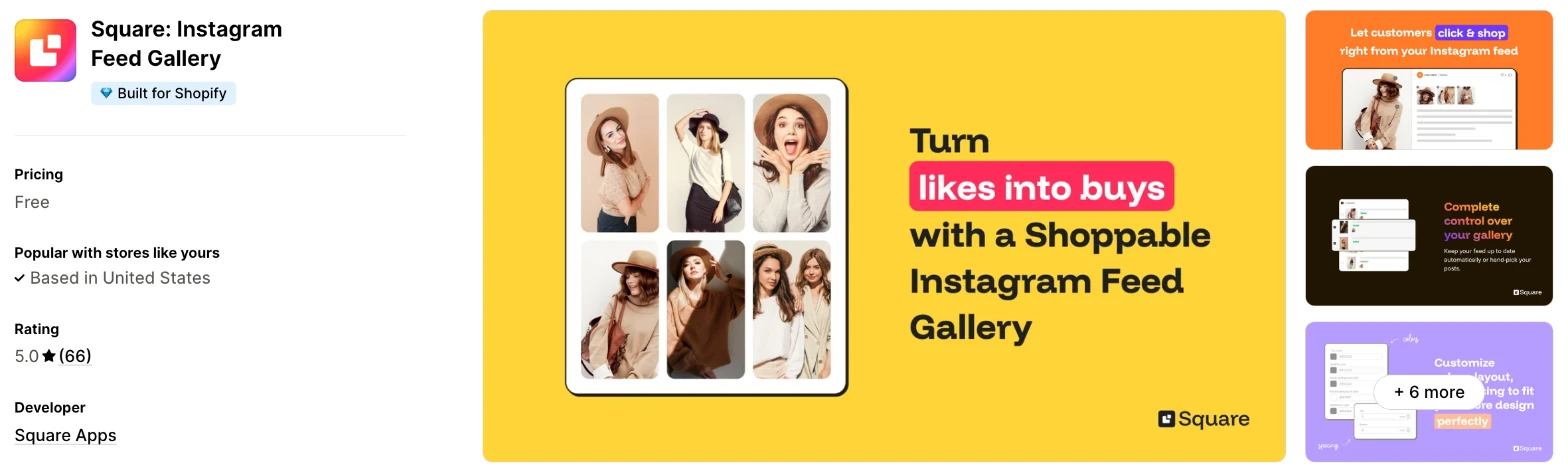
Instagram Feed Gallery is a free app that puts your Instagram posts on your store as a shoppable grid or slider. Choose it when you want product tags and post approval without another monthly bill.
Why I like this app:
I like that product tags and post approval cost nothing here, because the other free plans I checked either hold back tags or limit them. I can set the layout, spacing and number of posts separately for desktop and phones, and it took me about 3 to 5 minutes to get a feed live. Recent reviewers praise quick, human support, and one moved from a paid app that kept disconnecting. However, I didn't find Reels, hashtags, customer posts or reports on its listing or in its help centre.
Features:
- Grid or slider layouts, set separately for desktop and phones
- Product tags on your posts
- New posts published automatically, or approved one by one in the Posts tab
- A feed on your homepage and product pages, or your homepage only
- Controls for number of posts, spacing and top and bottom margins
- Colours for text, hover background and the window that opens on a post
- Your own title and subtitle above the feed
- A connection through Instagram or Facebook
- Like and comment counts through Facebook, with an option to hide them
I didn't find any AI features in it.
Pricing: Instagram Feed Gallery is free, and the listing shows no paid plans:
- Free: every feature above
A direct Instagram connection is the quicker route, but it won't show likes and comments, and you'll upload your profile picture by hand. The Facebook route needs your Instagram account linked to a Facebook Page.
Reviews: Instagram Feed Gallery has 5.0 stars from 66 reviews on the Shopify App Store, the fewest of the 7, and it only launched in June 2025. Recent reviewers praise support, and one likes the flexibility in rows and columns. I found no review below 4 stars, and its 2 four-star reviews have no text.
Best for: A small store that wants a shoppable Instagram gallery and doesn't want to pay for one.
See Square: Instagram Feed Gallery on the Shopify App Store
2. Vitals
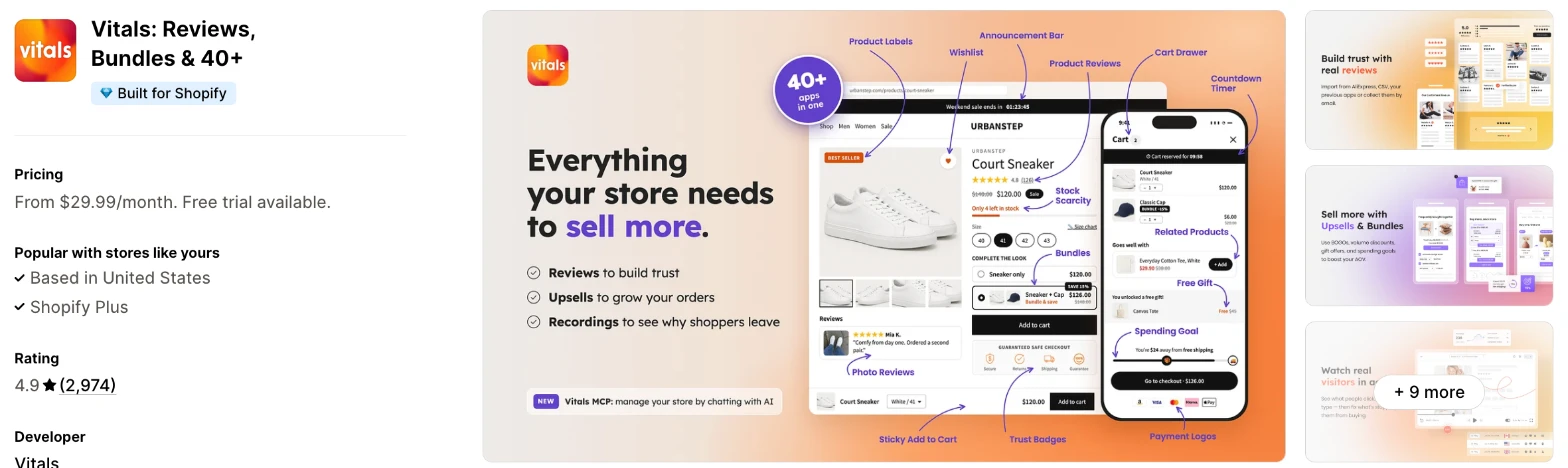
Vitals is an all-in-one Shopify app, and its Shoppable Instagram Feed app is one of 40+ apps in one subscription. It makes more sense when you also need reviews, bundles or upsells and don't want a separate app for each.
Why I like this app:
When I checked the feed controls, I found square or portrait tiles, separate phone and desktop layouts and a product page feed that can show only on the products I pick. Tags work on any image in a carousel post, and reports show impressions, post clicks and tag clicks. Getting a feed live took me about 3 to 5 minutes. Recent reviewers like having many apps together and praise support. But each tag opens the product page in a new tab, and the feed shows only my own account's posts.
Features:
- Square or portrait tiles in a grid or slider, set separately for phones and desktops
- Product tags on any image of a post, carousel posts included
- A window on your store for each post, with its tagged products listed
- New posts synced about every 6 hours, with an option to hide any of them
- Reels and videos, with optional muted autoplay in the grid
- Like and comment counts when you connect through Facebook
- A feed on home and product pages, or a section in the theme editor
- A product page feed for chosen products only
- Columns, rows, spacing, title and post window colours
- Translations for each language your store sells in
- Impressions, post clicks and tag clicks
- 40+ apps in the same subscription
Vitals MCP also lets me do everything in Vitals with Claude or ChatGPT.
Pricing: Vitals has one plan, with all 40+ apps included:
- All in one plan: $29.99/month
- Trial: 7 days
There's no limit on tagged posts, and the feed loads from the same script as the other 40+ apps.
Reviews: Vitals has 4.9 stars from 2,974 reviews on the Shopify App Store. Recent reviewers like having many apps together and praise customer support. One low-star reviewer says they couldn't reach support and hit glitches, and Vitals replies that its team is on live chat and email every day.
Best for: A store that wants an Instagram feed along with reviews and bundles in one subscription.
See Vitals on the Shopify App Store
3. Instafeed - Instagram Feed
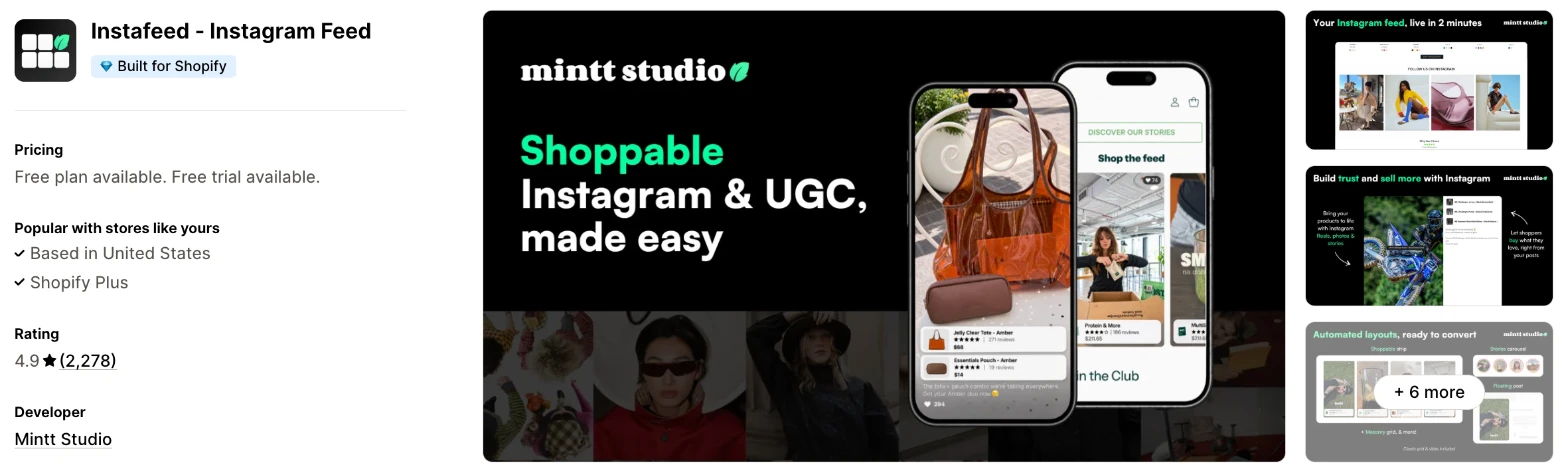
Instafeed is a dedicated feed app for posts, Reels and customer content, with add to cart buttons on its paid plans. I'd choose it when you want shoppers to add a product to their cart from a post.
Why I like this app:
What stood out to me was the free plan, with hourly sync, Reels and no watermark. For $8/month, I can add product tags, add to cart buttons and product reviews and prices. It also lists Judge.me and Loox, and setup took me about 5 to 8 minutes. Reviewers often call it easy to set up, and its 2,278 reviews are the most among the dedicated apps here. The main drawback is that tags aren't free, and customer posts and auto-tagging need the $20/month plan.
Features:
- Grid or slider layouts
- Reels and photo posts, with Stories and carousel posts on Pro
- Product and collection tags on Pro, and automatic tagging on Plus
- Shop now and add to cart buttons on Pro
- Product and collection feeds on Plus
- Tagged customer posts and your own uploads on Plus
- Hide, pin, reorder and filter by hashtag on Plus
- A feed in your marketing emails on Pro
- Performance analytics on Plus
- Shoppable videos on the Shop app on Plus
The only AI feature I found is SEO and AI discoverability on Pro.
Pricing: Instafeed charges a flat monthly fee, with more features and feeds on each plan:
- Starter: free, with unlimited views and no branding
- Pro: $8/month, up to 3 feeds
- Plus: $20/month or $180/year, unlimited feeds
- Trial: 7 days
Reviews: Instafeed has 4.9 stars from 2,278 reviews on the Shopify App Store. Recent reviewers call it easy to set up, and one says support set up multiple feeds and placed them where they wanted. One low-star reviewer got a Facebook account warning after linking, and Mintt Studio says it connects through Meta's official login. Another wanted a more flexible section.
Best for: A store on a small budget that wants shoppers to add to cart from a post.
See Instafeed on the Shopify App Store
4. GSC Instagram Feed, Instafeed
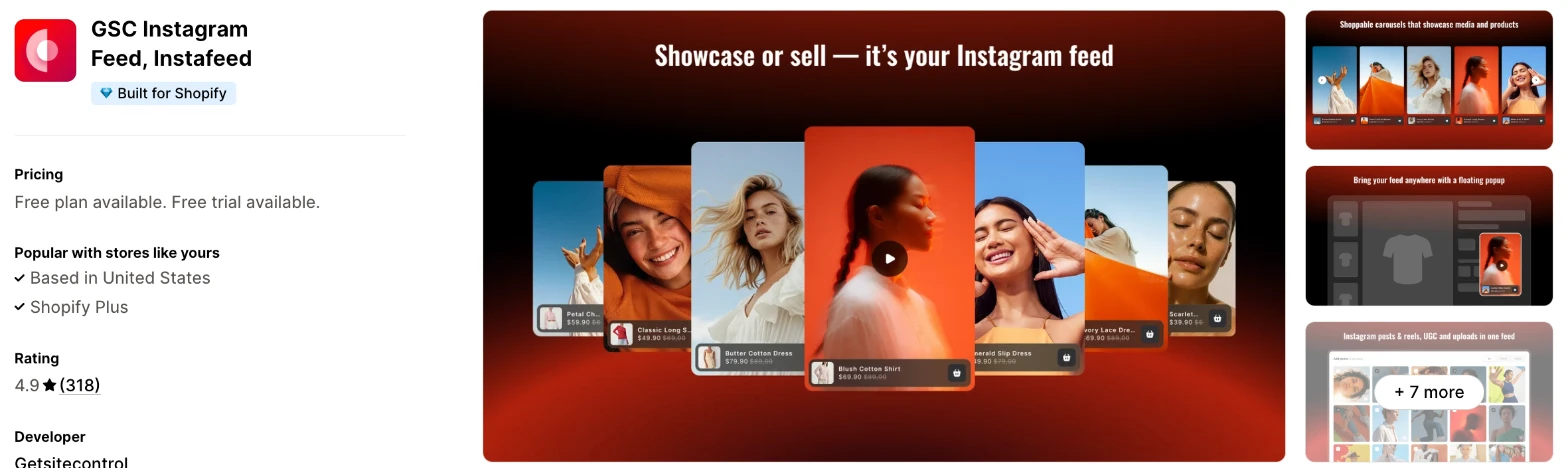
GSC Instagram Feed is a feed app from Getsitecontrol with product tags and sales reports on its free plan. Choose it when you want to see the orders and revenue a feed brings in before you pay for anything.
Why I like this app:
I found this the most complete free plan for measuring results, with tags, Reels, tagged customer posts, 40+ layouts and order and revenue attribution. A sticky video popup also adds a format the other apps don't list. My first feed took me about 5 to 8 minutes. One recent reviewer compared other feed apps and rated this one highest for quality. However, the free plan stops at 5 shoppable media per widget, and live chat support only appears on the paid plans.
Features:
- Product and collection tags
- Reels, posts and tagged customer posts
- 40+ layouts, including grid, carousel, collage and lookbook
- Product recommendations
- A sticky video popup
- Orders and revenue attribution
- Engagement and conversion tracking
- Captions and hover effects
Its Grow plan adds AI product recommendations.
Pricing: GSC Instagram Feed charges by active widgets and shoppable media:
- Free: 1 widget, 5 shoppable media per widget
- Grow: $9/month, 3 widgets, 20 shoppable media per widget
- Unlimited: $29/month, unlimited widgets and shoppable media
- Trial: 7 days
Reviews: GSC Instagram Feed has 4.9 stars from 318 reviews on the Shopify App Store. Recent reviewers praise its customisation and generous free plan, and one Colombian store calls it easy to use. One low-star reviewer says their widget stopped working, and Getsitecontrol says it followed up on live chat. Another saw an empty screen when opening the app.
Best for: A store that wants a free feed with sales attribution and only has a few posts to tag.
See GSC Instagram Feed on the Shopify App Store
5. Socialwidget - Instagram Feed
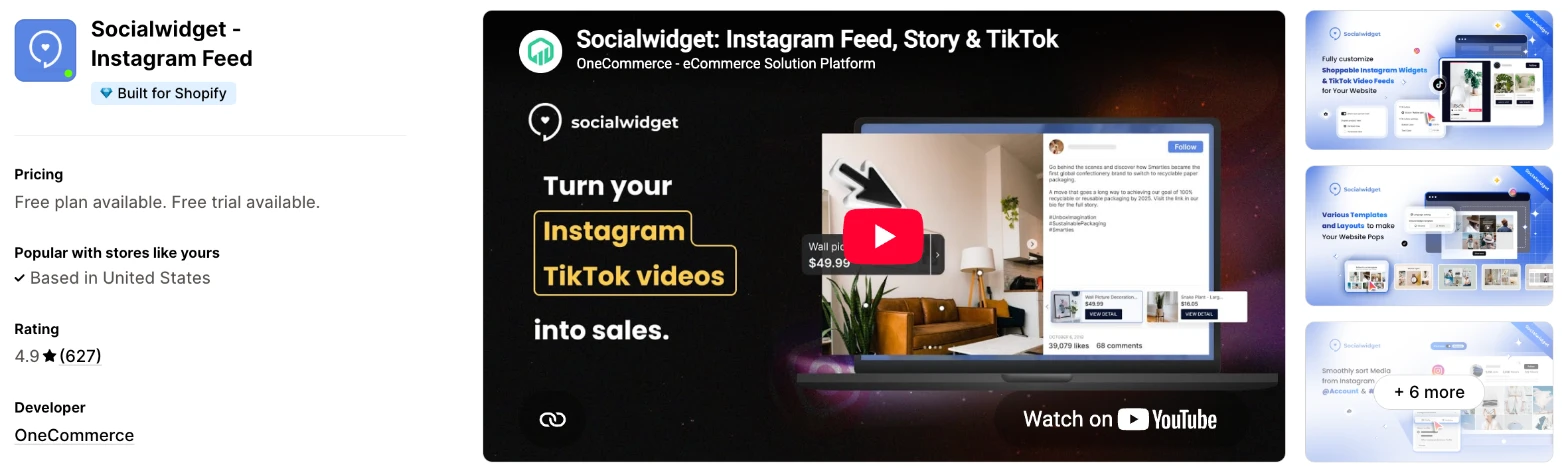
Socialwidget is a feed app for Instagram and TikTok content, with hashtag feeds on its top plan. It makes more sense when you post on both and want that content on your store.
Why I like this app:
TikTok is the reason I'd look here, because it's the only one of the 7 that lists it. I also found masonry, collage and list layouts, plus add to cart from $19.90/month and hashtags from $49.90/month. Setup took me about 5 to 8 minutes. Reviewers often name Daisy, Julie and Ricky in support, and one says Ricky's screenshots got them past a missed step. But tags start on a paid plan, and 2 low-star reviewers say the feed disconnects, one of them without warning.
Features:
- Instagram photos, videos and carousels, plus TikTok on Standard
- Product tags, with 2, 3 or 5 per item depending on your plan
- Variant tags and add to cart on Professional
- Carousel, collage, lookbook, lightbox, masonry, grid and list layouts
- Hashtags and public accounts on Advanced
- Video autoplay, likes and comments on Standard
- Custom CSS and captions
- Multi-language support
- Engagement and conversion tracking
- A connection to PageFly
I didn't find any AI features in it.
Pricing: Socialwidget charges by widgets, tags per item and features:
- Starter: free, 1 widget, 1 template, 1,000 visitors, sync every 24 hours
- Standard: $9.90/month, 2 widgets, all templates, unlimited visitors
- Professional: $19.90/month, 3 widgets, sync every 6 hours
- Advanced: $49.90/month, 5 widgets, sync every 2 hours
- Trial: 14 days
Yearly billing saves 20%. The free plan has no watermark, and the listing links to more pricing options.
Reviews: Socialwidget has 4.9 stars from 627 reviews on the Shopify App Store. Recent reviewers praise quick support by name, and one store has used it for almost 4 years in more than one language. A 2025 low-star reviewer says it disconnects without telling you and leaves a blank or outdated page. An older reviewer liked it for photos but found video too slow.
Best for: A brand that posts on Instagram and TikTok and wants both on its store.
See Socialwidget on the Shopify App Store
6. RPTR Instagram Feed Connect
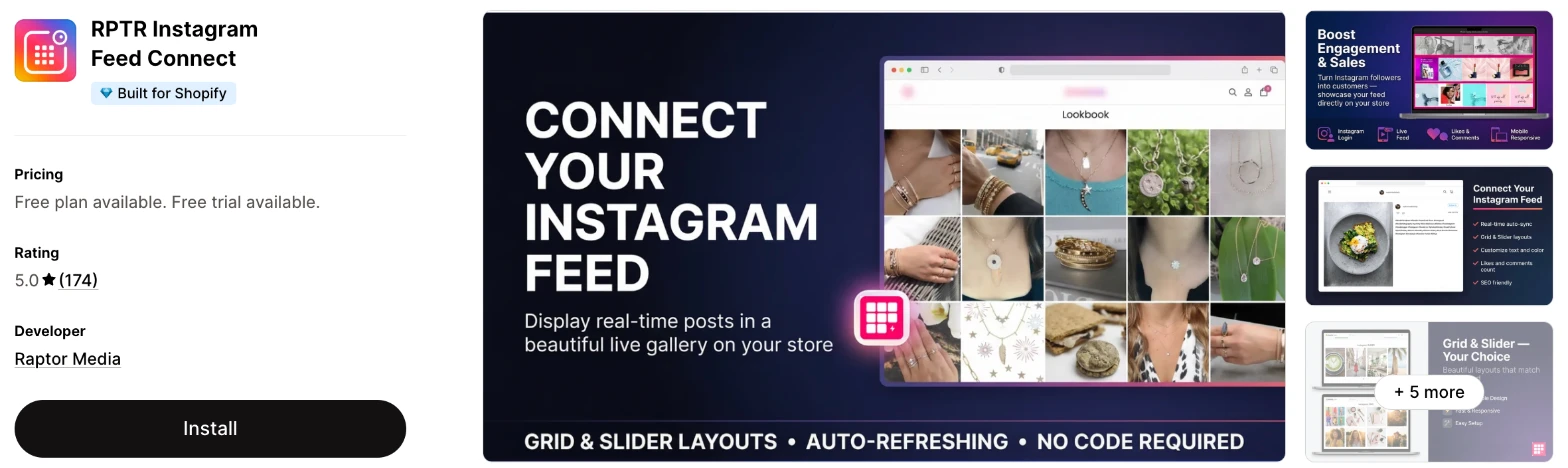
RPTR Instagram Feed Connect is a straightforward feed app with low monthly prices. Choose it when you want a grid or slider and would like the developer's help with styling.
Why I like this app:
The price is what I noticed first, with product tags on a $7.99/month plan, the lowest paid price for tags here. Recent reviewers say support fixed their problems within minutes, and the same plan includes extra customisation if I need it. It took me about 5 to 8 minutes to get a feed live. Reviewers also found it easy to match their fonts and colours. However, I didn't find Reels, hashtags or reports on its listing, and the free plan stops at 5 images with a watermark.
Features:
- An Instagram login with no code
- Grid layouts, with sliders from the Basic plan
- Text and colour controls
- Like and comment counts
- A load more images option on Basic
- Product tags on Professional, with their own colours and text
- Extra customisation on Professional
I didn't find any AI features in it.
Pricing: RPTR charges a flat monthly fee:
- Free: grid layouts, 5 images, a watermark
- Basic: $3.99/month, grid and slider, no image limit
- Professional: $7.99/month, product tags
- Trial: 3 days
Reviews: RPTR has 5.0 stars from 174 reviews on the Shopify App Store. Recent reviewers call it easy to install and praise quick support. I found no review below 3 stars. One 2022 reviewer says it added almost 5 seconds to their page load, and Raptor Media replies that a lazy load setting fixes this, so turn that on.
Best for: A small store that wants a low-cost paid feed with help from the developer.
See RPTR on the Shopify App Store
7. Covet Instagram Feed & Reviews
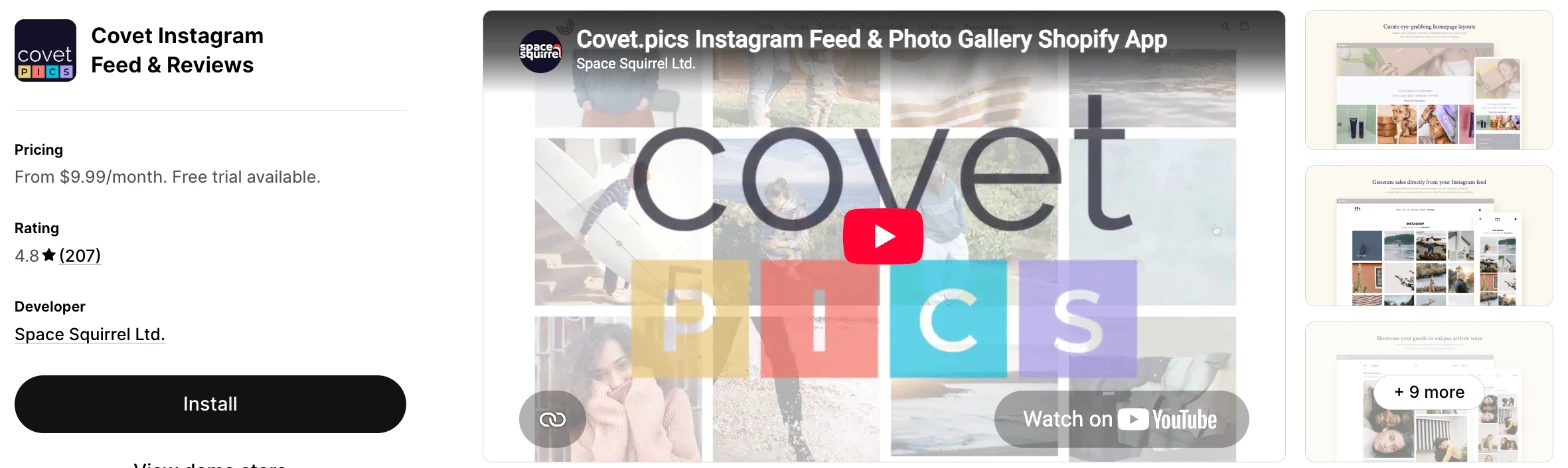
Covet is a gallery app that combines your Instagram feed with photo and video reviews from customers. I'd choose it when you want customers to send you their own photos and you want them in a shoppable gallery.
Why I like this app:
Covet goes furthest on customer content, because I can email buyers for photos and videos, approve each one and reward it with a discount. The gallery options are also the widest here, with masonry, portfolio, shop the look and a drag-and-drop editor. Setup took me about 5 to 8 minutes. One recent reviewer used every feature without instructions, and another got help with CSS. The main drawback is cost, because there's no free plan, and hashtags, mentions and unbranded galleries start at $29.99/month.
Features:
- Instagram profile and hashtag photos, videos and Reels
- Photo and video review requests by email
- Approval of each customer upload, with a discount reward
- Photo contests and lookbooks
- Your own uploads on Growth and Premium
- A shoppable gallery
- 20+ layout presets, with masonry, collage and portfolio galleries
- Custom CSS and a drag-and-drop editor
- Star ratings and rich snippets
- A connection to Shopify Flow
I didn't find any AI features in it.
Pricing: Covet charges by galleries and review requests:
- Lite: $9.99/month, 1 gallery, 200 review requests
- Growth: $29.99/month, 5 galleries, 500 review requests, mentions, 2 hashtags
- Premium: $79.99/month, 50 galleries, 2,000 review requests, mentions, 5 hashtags
- Trial: 14 days
Reviews: Covet has 4.8 stars from 207 reviews on the Shopify App Store, the lowest of the 7. Recent reviewers praise its ease of use and support, and one got code to put the feed in newsletters. Older low-star reviewers, mostly from 2020, say photos disappeared or the feed stopped working, and the developer's replies blame Instagram's API.
Best for: A brand that wants customer photo reviews and an Instagram gallery from one app.
See Covet on the Shopify App Store
How do you choose the right Shopify Instagram feed app?
I'd start with what happens when a shopper taps a post, then check which plan includes it. I've put each app's rating, starting price and how it charges in this table:
| App | Rating | Starting price | Charges by |
|---|---|---|---|
| Instagram Feed Gallery | 5.0 from 66 reviews | Free | Nothing |
| Vitals | 4.9 from 2,974 reviews | $29.99/month | One plan |
| Instafeed | 4.9 from 2,278 reviews | Free, then $8/month | Features and feeds |
| GSC Instagram Feed | 4.9 from 318 reviews | Free, then $9/month | Widgets and media |
| Socialwidget | 4.9 from 627 reviews | Free, then $9.90/month | Widgets, tags and features |
| RPTR | 5.0 from 174 reviews | Free, then $3.99/month | Features |
| Covet | 4.8 from 207 reviews | $9.99/month | Galleries and review requests |
Content rules apps out first. Your own photos work on all 7, but Reels rule out Instagram Feed Gallery and RPTR, because I didn't find them on either listing. Hashtags narrow the list to Instafeed, Socialwidget and Covet. List what you post most in a typical month, then check that the plan you can afford shows it.
Your theme decides how much styling you'll need. Instagram Feed Gallery has text, hover and post window colours, plus separate desktop and phone settings, and Vitals uses your theme's font. Instafeed, Socialwidget and Covet list custom CSS for stores that want more. Preview the feed on your phone, because 4 columns on a desktop can become very small tiles.
Placement and your other apps matter too. Instagram Feed Gallery and Vitals both add a feed to home and product pages, and Vitals can also limit the product page feed to chosen products. Instafeed lists Judge.me, Loox and the Shop app, and Socialwidget lists PageFly. Check where you want the feed before you install, then look for it in your theme editor.
I found cost depends mainly on how many posts you want to tag. GSC's free plan tags 5 media per widget, and Instagram Feed Gallery charges nothing at all. Instafeed and RPTR put tags at about $8/month. Socialwidget limits tags per item by plan, so check that number when you tag whole outfits or sets.
Support draws strong praise in recent reviews, especially on Socialwidget and RPTR, where merchants name the person who helped or say a fix took minutes. The sharpest complaints I found are about feeds disconnecting. On my test store, a few customer success teams fixed setup problems within minutes, while others took hours to reply. I'd send a test question during your first week and time the reply.
Choose Instagram Feed Gallery for a free shoppable gallery, and Vitals if you'd use its other apps as well. Choose Instafeed for add to cart buttons on a low budget and GSC for sales attribution on a free plan. Socialwidget suits Instagram and TikTok together, RPTR suits a low-cost feed with styling help and Covet suits a store collecting customer photos.
Can shoppers buy directly from an Instagram post on your store?
Yes, on some apps, but most of them send shoppers to the product page first. Instafeed lists shop now and add to cart buttons from $8/month, and Socialwidget lists checkout and add to cart buttons from $19.90/month.
Vitals opens each tagged product's page in a new tab, where shoppers choose a size or colour and add it to their cart. That's one more step, but shoppers see your full product page before they decide. Covet says shoppers can browse and shop inside the gallery, so check how far that goes on your trial.
The choice matters most when your products have variants. A one-size candle suits an add to cart button, while a dress with 6 sizes usually needs the product page. Tap through a tagged post on your phone before you decide, and count the steps to the cart.
Why do Instagram feeds disconnect from Shopify stores?
The usual causes are on the Instagram or Facebook side, such as a changed password or a security logout. Square Apps' help centre also lists a person losing Business Manager permission, and says the feed disappears from the store until you reconnect.
This comes up in reviews across the category. Socialwidget reviewers complain about it directly, and Covet's older reviewers report disappearing photos. An Instafeed reviewer couldn't get connected, although Mintt Studio says the account was connected. One Instagram Feed Gallery reviewer moved from a paid app that kept disconnecting.
Older connections have another cause. Meta ended the Instagram Basic Display API on 4 December 2024, and its replacement APIs serve business and creator accounts. So a feed connected before then, or through a personal account, may need a fresh connection.
Connect through an account your team will keep, and avoid one person's login where you can. After any password change, check your homepage to confirm that the feed still shows.
Can you show hashtags and customer posts in your feed?
Yes, but only on 4 of these apps, and usually on a higher plan. Socialwidget keeps hashtags for its $49.90/month plan, Covet includes 2 from $29.99/month and Instafeed offers tagged customer posts and hashtag filters at $20/month. GSC includes tagged customer posts on its free plan.
Instagram sets a limit of its own. Meta's hashtag search allows 30 unique hashtags in a rolling 7 days for each Business or Creator account, and it doesn't support hashtags on Stories. That rarely matters for one branded hashtag, but it rules out a feed built on dozens of them.
Ask for permission before you tag a product on a customer's photo. A hashtag shows you that someone posted, and it doesn't tell you they agreed to appear on your store. Covet's upload and approval flow handles this differently, because customers send in their photos themselves. Message 3 customers about their posts first, and see how they respond.
Do you need the Facebook & Instagram app for a shoppable feed?
No, these 7 apps all tag products inside their own apps. Vitals says its feed works whether your Facebook Shop is on or off.
Facebook & Instagram is Meta's own app, with 3.9 stars from 5,837 reviews. It syncs your products to a shop on those platforms and helps you run ads, so its job is selling on Instagram. I didn't find a feed for your store on its listing.
You can use both together. The Meta app can put your products in front of people on Instagram, and a feed app can show your posts to people already on your store. Install the feed app first when your store traffic comes from places other than Instagram.
How do you set up your first Shopify Instagram feed?
I'd start with a grid on your homepage, because it's the easiest place to see the feed and judge the tags.
Use these steps with any of the apps:
- Install the app and turn on its app embed or section in your theme editor.
- Connect your Instagram account, directly or through Facebook.
- Hide any posts that don't suit your store, such as old sales or personal photos.
- Tag products on your 5 newest posts.
- Choose a grid or slider, then set the number of posts for desktop and phones.
- Match the colours and add a short title above the feed.
- Preview it on your phone and desktop.
- Tap a tag yourself and check that it opens the right product.
Setup took me about 3 to 5 minutes on Instagram Feed Gallery and Vitals, and about 5 to 8 minutes on Instafeed, GSC, Socialwidget, RPTR and Covet. None of the 7 took me longer than about 8 minutes.
Merchants report mostly simple installs. Instafeed and GSC reviewers call them easy, and an RPTR reviewer who needed help got it quickly. A Socialwidget reviewer missed a step and needed support's screenshots, and a GSC reviewer saw an empty screen on opening the app.
I'd leave the feed live for 4 weeks before you change the layout, so your tag clicks reflect more than one busy day.
What changes in unusual situations?
I found the right app can change once your traffic spikes, you sell in more languages, you need a plan-only feature or you move from another app.
At unusually high or seasonal traffic, check Socialwidget first, because its free plan stops at 1,000 visitors. Its paid plans have no visitor limit, and Instafeed's free plan lists unlimited views. Vitals has one plan, at $29.99/month.
When you sell in more than one language, test the feed's own text. Vitals translates its feed texts for each language, and Instafeed, Socialwidget and Covet list multi-language support. GSC and RPTR list only English. Vitals connects one Instagram account at a time, so a store with separate regional accounts should ask about this first. Socialwidget counts media sources by plan, at 1, 2, 3 or 5.
Some features only appear on certain plans. Instafeed keeps tags for Pro and customer posts for Plus. GSC keeps live chat for Grow, and Covet keeps unbranded galleries for Growth. RPTR shows a watermark on its free plan, while Socialwidget and Instafeed don't.
Moving from another app brings your posts back when you reconnect, because they stay on Instagram. Your product tags are the problem, because I didn't find a tag import on any listing, so plan to redo them. Covet's review migration tag only applies to reviews. Duplicate your theme before you remove the old app, then check that its section has gone.
What are the benefits of a Shopify Instagram feed app?
An Instagram feed app gives shoppers a route from a photo of your product in use to the page where they can buy it, with content you've already made. The effect depends on your posts, and I'd expect clear product photos to do more than general brand content.
Say 5,000 people scroll past your feed in a month, 100 tap a tagged product and 5 of them buy a $60 bag. That's $300 in sales, at no cost on a free app, or $280 after a $20/month plan. You'd only credit the feed fully if those shoppers wouldn't have found the bag anyway, and GSC and Vitals can show you the clicks or sales to check that.
A feed also keeps your store from looking stale, because new posts can arrive without anyone uploading them. All 7 apps can pull in new posts automatically, so you can update your homepage by posting. The limit is quality control, because every post can appear unless you turn on approval or hide it.
Before you install an app, look at your last 12 posts and count how many show a product you could tag.
What are some ideas for using a Shopify Instagram feed app?
I'd try a shoppable grid on your homepage first, because it reaches the most visitors with the least work. These 5 ideas suit different types of store:
- Homepage grid: a clothing store tags its 8 newest outfit posts under a "Shop our Instagram" title.
- Product page feed: a skincare store shows posts of a serum on that serum's page, using Vitals or Instafeed's Plus plan.
- Customer gallery: a homeware store runs a branded hashtag, then asks each customer before showing their photo.
- Reels row: a sports brand shows short demo videos in a slider above its footer.
- Photo review wall: a jewellery store uses Covet to ask buyers for photos and offers a discount for each one it approves.
I'd test the homepage grid first, then try a product page feed on your 3 best-selling products.
Which Shopify Instagram feed app would I start with?
I'd start with Instagram Feed Gallery, because it's free and includes product tags, so you can test a shoppable feed with no monthly cost. Choose Vitals instead when you'd also use its reviews and bundles, or Instafeed when you want Reels and add to cart buttons. Install your choice, tag your 5 newest posts and check your tag clicks or orders after 4 weeks.
What do merchants often ask about Shopify Instagram feed apps?
How much does a Shopify Instagram feed app cost?
Every dedicated feed app has a plan under $30/month. The paid plans start at $3.99/month on RPTR, $8/month on Instafeed, $9/month on GSC, $9.90/month on Socialwidget and $9.99/month on Covet. Vitals starts at $29.99/month, with the feed as one of 40+ apps.
Does Shopify include Instagram feed features without an app?
Not as a standard feature in the Shopify admin. Some themes include their own Instagram section, so check your theme editor first. Check whether yours adds product tags, because you'll need an app for a shoppable feed without them.
Are there free Shopify Instagram feed apps?
Yes, 5 of these apps have a free option. Instagram Feed Gallery is free outright, GSC's free plan stops at 5 shoppable media per widget and Instafeed's has no tags. Socialwidget's stops at 1,000 visitors, and RPTR's stops at 5 images with a watermark. Vitals and Covet have no free plan, though each has a free trial.
Do Instagram feed apps slow down a store?
They can, because a feed loads images and sometimes video. A single feed app didn't hurt my page speed, and the bigger risk is the total, because many stores have 10-15 apps and each one adds to the load. A store that only wants a feed will get the fastest result from Instagram Feed Gallery. Vitals loads everything from a single app, so I didn't need to worry about load speed there, and that surprised me.
One RPTR reviewer reported almost 5 seconds of delay before Raptor Media pointed to its lazy load setting, and a Socialwidget reviewer found video slow. Test your store before and after you install, and keep the feed low on the page.
Do Instagram feed apps work with personal Instagram accounts?
Usually not, so plan on a business or creator account. Meta's replacement APIs serve those account types, and Instagram Feed Gallery's and Vitals' Facebook route needs an account linked to a Facebook Page. Socialwidget's free plan names Instagram Personal and Business, so check that with its support team if you won't change your account type.
Can a Shopify Instagram feed show Reels?
Yes, on 5 of these apps. Vitals, Instafeed, GSC, Socialwidget and Covet all list Reels, and Vitals can autoplay them muted in the grid. I didn't find Reels on Instagram Feed Gallery or RPTR. Play your Reels on a phone before you publish the feed, because video adds the most weight to a page.